

Anissa 发布
建筑音乐理论海报
信息图 / 教育视觉 · 海报 / 传单 · 插画 · 极简主义
1434.1k
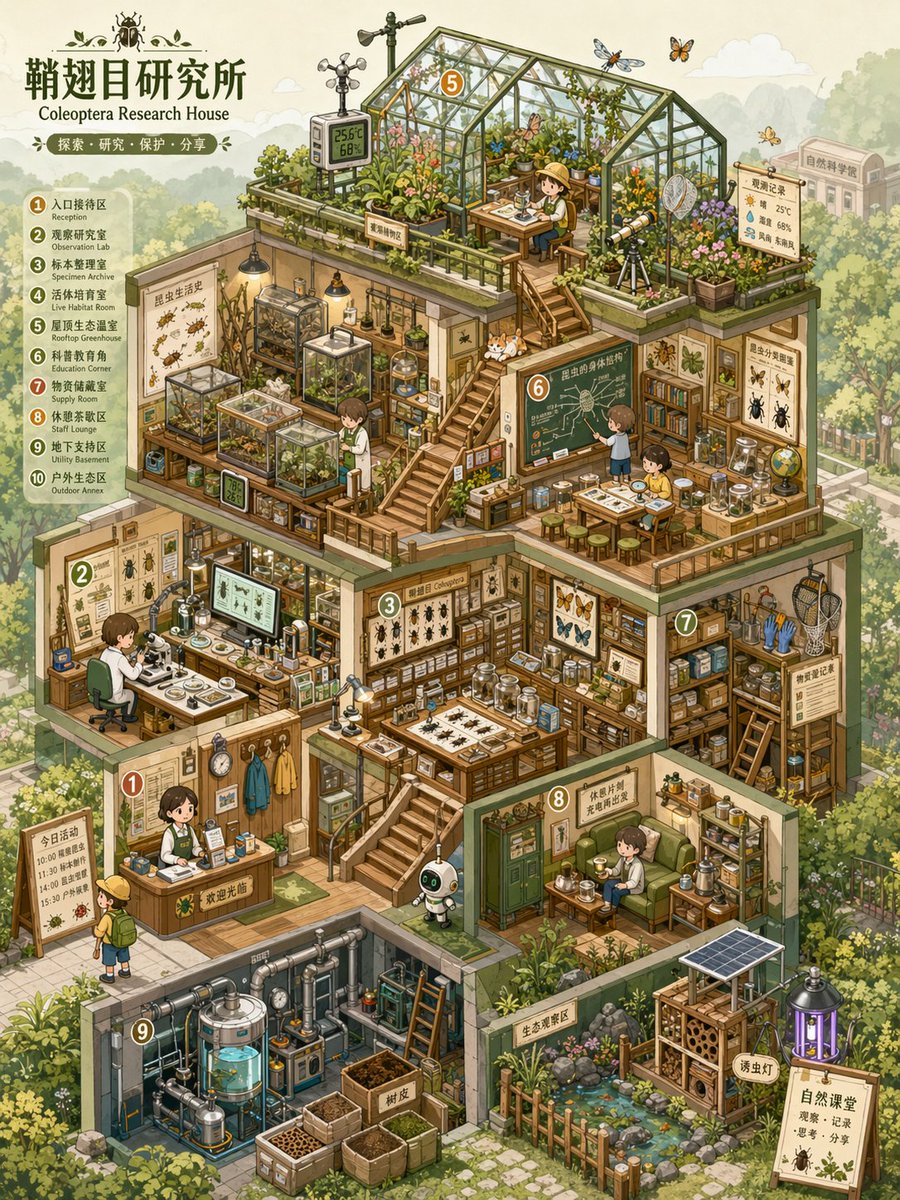
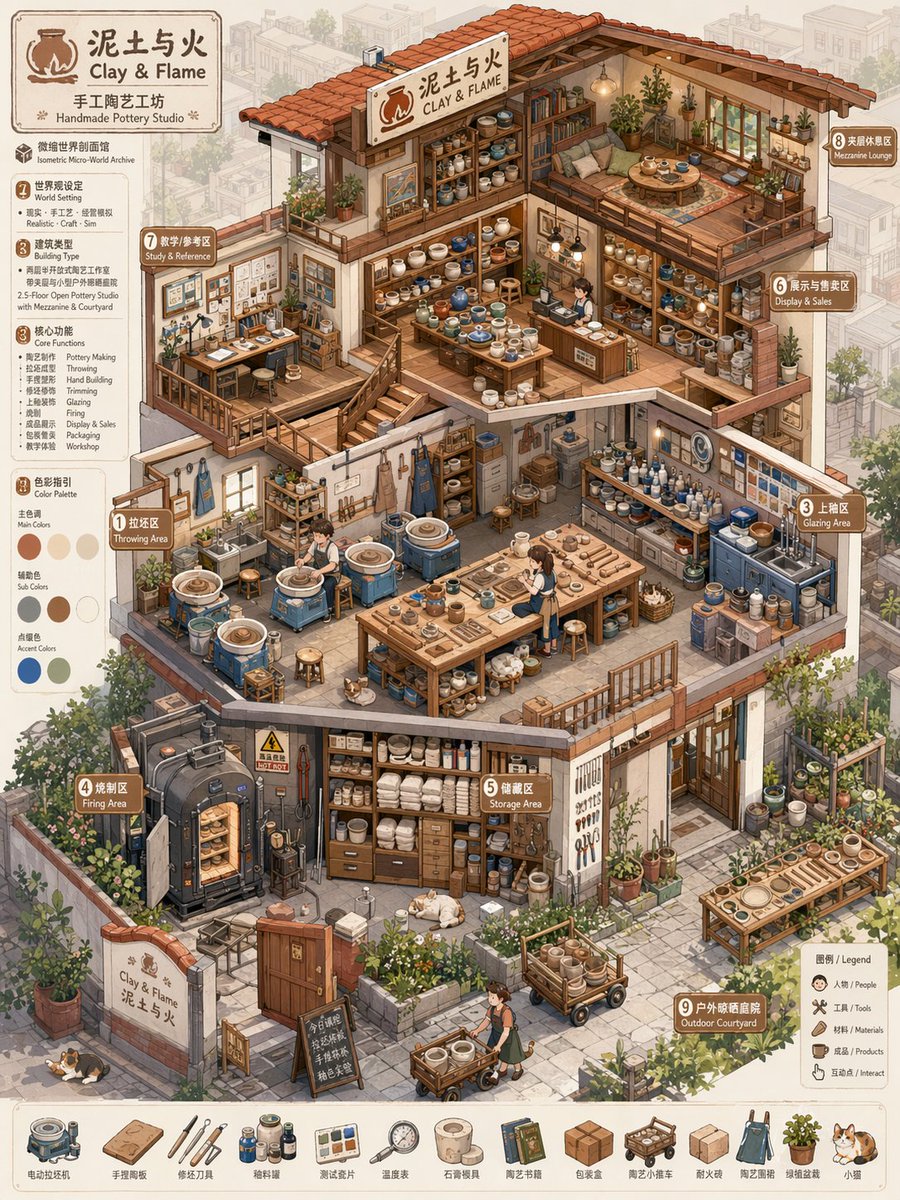
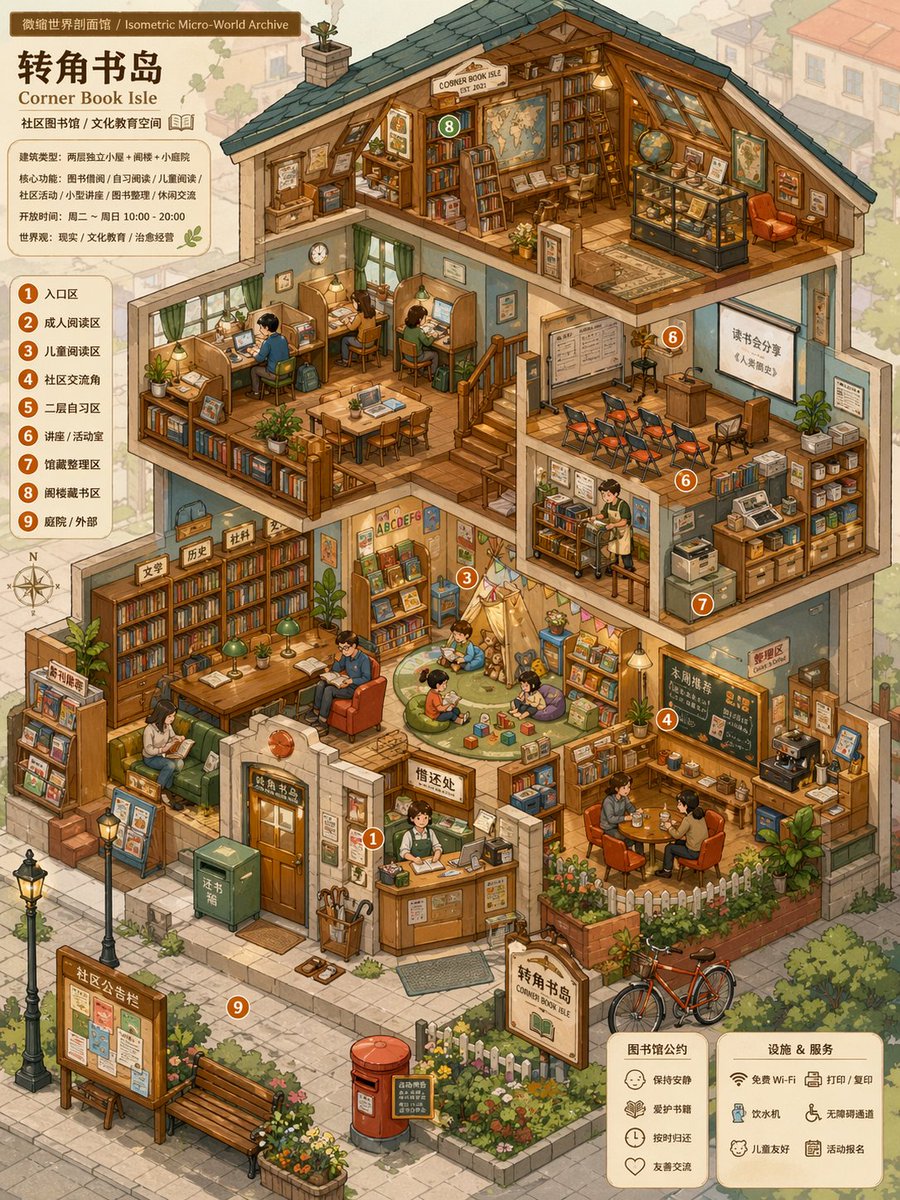
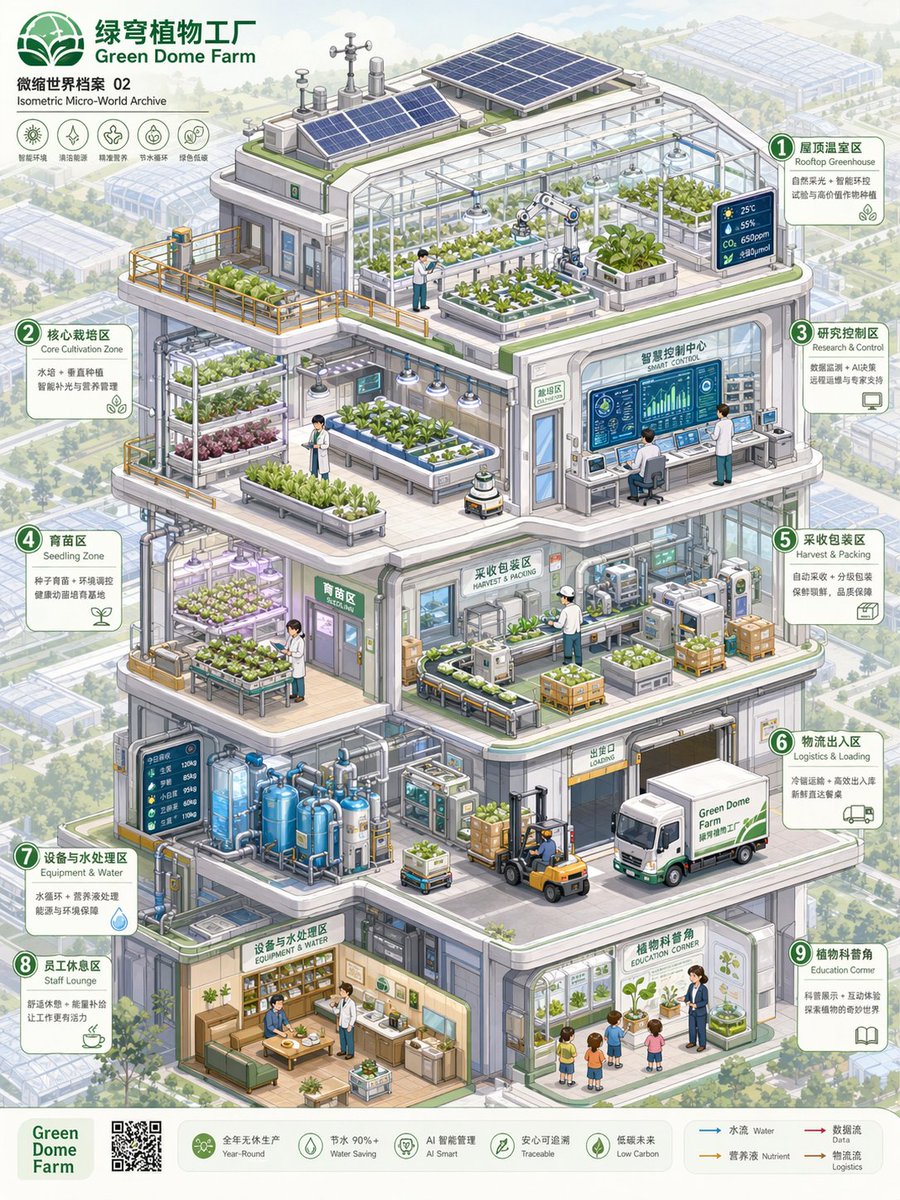
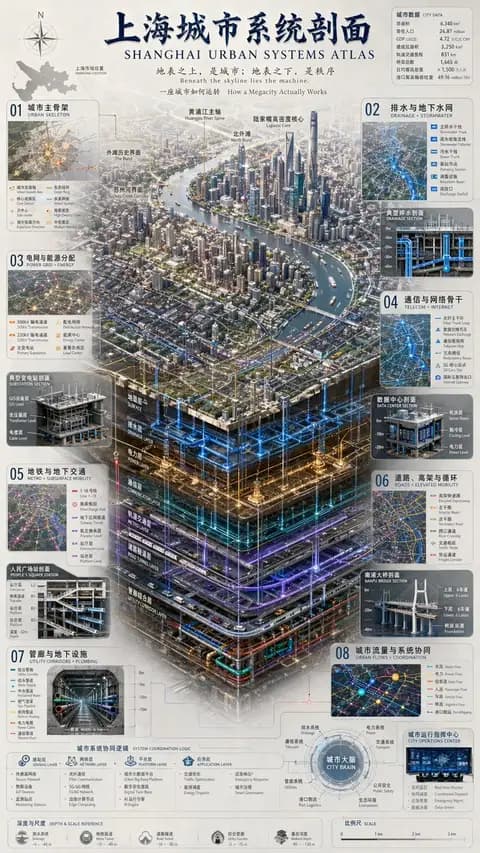
A professional and highly detailed instruction prompt for generating isometric, cross-section views of miniature thematic worlds with high information density.
完整提示词,可直接复制或调整。
Please create a high-completion, high-information-density visual map of an 'Isometric Micro-World Archive' suitable for serialized publishing based on the [Theme].

This is not a regular room illustration or a simple architectural drawing, but a thematic space overview combining 'isometric perspective + architectural cross-section structure + multi-layer functional space + high-density thematic props + miniature model feel + game scene concept art feel.' The image should look like an opened miniature world, a business simulation game scene, a dollhouse model, or a world-building concept map, allowing viewers to understand the overall structure at a glance while repeatedly observing the small details within.

[Basic Settings]
Theme: [Theme, e.g., Insect Research Institute / Future Survival Base / Magic Potion Workshop / AI Automation Company / Plant Factory / Children's Learning Center / Space Supply Station]
Space Name / Brand Name: [Brand name or space name, can be empty]
Worldview Direction: [Reality / Sci-Fi / Fairy Tale / Magic / Post-Apocalyptic / Museum / Laboratory / Business Simulation / Campus / Natural Ecology]
Building Type: [Cottage / Base / Factory / Lab / Shop / Museum / Underground Space / Spaceship / Multi-layer Studio]
Core Function: [What this space is mainly used for, e.g., research, production, display, life, training, trading, learning, maintenance, planting]
Main Color: [Main color, e.g., light blue, mint green, cream yellow, pink, orange-green, purple-blue, white-blue tech color]
Auxiliary Color: [Auxiliary color, can be empty]
Accent Color: [Accent color, can be empty]
Aspect Ratio: [1:1 / 3:4 / 4:5 / 9:16]
Information Density: [Medium-high / High / Ultra-high]
Overall Vibe: [Healing, cute, precise, childlike, popular science, futuristic, retro, refreshing, sense of exploration]

If some fields are not filled, please automatically derive them reasonably based on the [Theme]; do not leave the screen blank. All content must be generated uniformly around the theme, avoiding irrelevant elements.

[Visual Structure]
Adopt a clear isometric perspective / axonometric view, where the main subject is an opened multi-layer thematic building or functional base. Viewers can simultaneously see the front, side, top, and internal space of the building. The entire building is located at the center of the screen, occupying most of the area, with the background environment moderately faded to highlight the subject.

The interior of the building needs to be divided into multiple functional areas, each with a clear purpose, rather than randomly piled decorations. It can include:
1. Main work area / Core operation area
2. Display area / Collection area / Specimen area
3. Research area / Lab area / Control area
4. Storage area / Shelving area / Supply area
5. Living area / Rest area / Small residential area
6. Energy area / Machine area / Piping area
7. Planting area / Cultivation area / Ecological area
8. Entrance area / Transport area / Maintenance area
9. Spatial connection structures like stairs, platforms, corridors, railings, ladders, etc.

Clear spatial relationships must be formed between various areas through stairs, corridors, platforms, pipes, bridges, or cables, making the image look like a real, functioning miniature system.

[Props and Details]
Generate a large number of relevant props based on the [Theme] and distribute them in different functional areas. Props need to be specific, identifiable, and thematically related, not just vague decorations. Each small object should be as clear and readable as a game asset, with a feel of being clickable, interactive, and collectable.

Types of props can include:
- Thematic equipment: machines, instruments, tools, consoles, containers, screens, workbenches
- Lifestyle objects: tables/chairs, bookshelves, beds, cups, boxes, cabinets, lamps
- Display objects: specimens, models, posters, signboards, glass cabinets, display racks
- Connection structures: pipes, wires, ladders, stairs, conveyor belts, slide rails, platforms
- Ecological elements: plants, water tanks, incubators, soil, branches, rocks, specimens
- Character elements: small number of characters, animals, robots, or thematic creatures to provide a sense of scale and story

The number of props should be rich but orderly. All props should serve the space's function and the thematic worldview.

[Style Requirements]
The overall style is clear, cute, precise hand-drawn cartoon isometric illustration. Lines are clean, edges are slightly rounded, colors are bright and soft, with an overall relaxed, healing, and exploratory feel. The image should have the feel of a business simulation game, a children's science picture book, a miniature model, or a concept art page.

Avoid over-realism, strong dark lighting/shadows, heavy oil painting feel, and complex noise. The focus is on being clear, exquisite, layered, and highly readable.

[Color and Lighting]
Use high brightness, low-to-medium saturation soft color schemes. The main color is unified, auxiliary colors are used to distinguish different spaces, and accent colors are used to highlight key equipment and small props. Line art colors should not use dead black; instead, use soft outlines like dark gray, blue-gray, or brown-gray.

Keep lighting and shadows lightweight; strong realistic projections are not needed. Build layers through color blocks, structures, lines, and local highlights. The background should use light colors and low-contrast processing to make the main building stand out more.

[Composition and Reading Path]
The main subject is centered or slightly upper-centered, with the building in a multi-layer cross-section structure. The visual reading path should start from the overall building outline, enter the functional areas of each floor, and finally observe the detailed props. The gaze can be guided by elements such as stairs, platforms, corridors, pipelines, and tracks.

The overall image should be full but not crowded, rich but not messy. Every room, platform, and corner should have content, yet still maintain clear spatial boundaries.

[Background Environment]
The background can include a weakened external environment according to the theme, such as a forest, city, street, underground rock layer, experimental park, seabed, space, campus, factory exterior, etc. The background should not compete with the subject; light colors, low opacity, and low contrast are recommended to achieve a 'subject clear, background receding' effect.

[Final Effect]
The final image should look like a complete thematic space concept map, with both the structural feel of an architectural cross-section and the detail of a game scene asset map, combined with the cute exploration feel of a miniature dollhouse. It should be suitable for serialized visual creation, IP worldview display, game scene settings, brand space concept maps, science content covers, or Little Red Book/Pinterest style visual posts.

Ensure the image has:
1. Clear isometric perspective
2. Clear architectural cross-section structure
3. Complete multi-layer functional areas
4. Rich props and thematic unity
5. Soft and bright colors
6. Clean and clear line art
7. Weakened background, prominent subject
8. High information density but not messy
9. A sense of an explorable, operable, and observable miniature world.
请根据【主题】创作一张高完成度、高信息密度、适合系列化发布的「微缩世界剖面馆 / Isometric Micro-World Archive」视觉图。

这不是普通房间插画,也不是单纯的建筑图,而是一张结合“等距轴测视角 + 建筑剖面结构 + 多层功能空间 + 高密度主题道具 + 微缩模型感 + 游戏场景设定集感”的主题空间总览图。画面需要像一个被剖开的微缩世界、经营模拟游戏场景、玩具屋模型或世界观设定图,让观者可以一眼看懂整体结构,又能反复观察其中的小细节。

【基础设定】
主题:【主题,例如昆虫研究所 / 未来生存基地 / 魔法药剂工坊 / AI自动化公司 / 植物工厂 / 儿童学习中心 / 太空补给站】
空间名称 / 品牌名:【品牌名或空间名称,可为空】
世界观方向:【现实 / 科幻 / 童话 / 魔法 / 末日 / 博物馆 / 实验室 / 经营模拟 / 校园 / 自然生态】
建筑类型:【小屋 / 基地 / 工厂 / 实验室 / 商店 / 博物馆 / 地下空间 / 飞船 / 多层工作室】
核心功能:【这个空间主要用来做什么,例如研究、生产、展示、生活、训练、交易、学习、维修、种植】
主色调:【主色调,例如浅蓝、薄荷绿、奶油黄、粉色、橙绿、紫蓝、白蓝科技色】
辅助色:【辅助色,可为空】
点缀色:【点缀色,可为空】
画幅比例:【1:1 / 3:4 / 4:5 / 9:16】
信息密度:【中高密度 / 高密度 / 超高密度】
整体气质:【治愈、可爱、精密、童趣、科普、未来感、复古、清爽、探索感】

如果某些字段没有填写,请根据【主题】自动合理推导,不要让画面留空。所有内容都要围绕主题统一生成,避免加入无关元素。

【画面结构】
采用清晰的等距轴测视角 / isometric view / axonometric view,主体是一个被剖开的多层主题建筑或功能基地。观者可以同时看到建筑的正面、侧面、顶面和内部空间。整体建筑位于画面中心,占据画面主要面积,背景环境适度淡化,用来衬托主体。

建筑内部需要分成多个功能区域,每个区域都要有明确用途,而不是随机堆放装饰。可以包含:
1. 主工作区 / 核心操作区
2. 展示区 / 收藏区 / 标本区
3. 研究区 / 实验区 / 控制区
4. 储藏区 / 货架区 / 物资区
5. 生活区 / 休息区 / 小型居住区
6. 能源区 / 机器区 / 管道区
7. 种植区 / 培养区 / 生态区
8. 入口区 / 运输区 / 维修区
9. 楼梯、平台、走廊、栏杆、梯子等空间连接结构

各个区域之间要通过楼梯、走廊、平台、管道、桥架或电缆形成清晰的空间关系,让画面像一个真实可以运转的小型系统。

【道具与细节】
根据【主题】生成大量相关道具,并让它们分布在不同功能区中。道具需要具体、可识别、有主题关联,不能只是泛泛的装饰。每个小物件都应像游戏资产一样清晰可读,具有可点击、可互动、可收集的感觉。

道具类型可以包括:
- 主题设备:机器、仪器、工具、控制台、容器、屏幕、工作台
- 生活物件:桌椅、书架、床铺、杯子、箱子、柜子、灯具
- 展示物件:标本、模型、海报、说明牌、玻璃柜、陈列架
- 连接结构:管道、电线、梯子、楼梯、输送带、滑轨、平台
- 生态元素:植物、水箱、培养箱、土壤、树枝、岩石、标本
- 角色元素:少量小人物、小动物、机器人或主题生物,用来提供尺度感和故事感

道具数量要丰富,但要保持秩序。所有道具都应服务于空间功能和主题世界观。

【风格要求】
整体风格为清晰、可爱、精密的手绘卡通等距插画。线条干净,边缘略圆润,色彩明亮柔和,整体具有轻松、治愈、探索感。画面应有经营模拟游戏、儿童科普绘本、微缩模型、设定集页面的感觉。

避免过度写实,避免强烈暗黑光影,避免厚重油画感,避免复杂噪点。重点是清楚、精致、有层次、可读性强。

【颜色与光影】
使用高明度、低到中等饱和度的柔和配色。主色调统一,辅助色用于区分不同空间,点缀色用于突出关键设备和小道具。线稿颜色不要使用死黑,可使用深灰、蓝灰、棕灰等柔和描边。

光影保持轻量,不需要强烈真实投影。通过色块、结构、线条和局部高亮来建立层次。背景使用浅色、低对比度处理,使主体建筑更加突出。

【构图与阅读路径】
画面主体居中或略微偏上,建筑呈多层剖面结构。视觉阅读路径应从整体建筑轮廓开始,再进入各楼层功能区,最后观察细节道具。可以通过楼梯、平台、走廊、管线、轨道等元素引导视线。

整体画面要饱满但不拥挤,丰富但不混乱。每个房间、平台和角落都应该有内容,但仍然保持清晰的空间边界。

【背景环境】
背景可以根据主题加入弱化的外部环境,例如森林、城市、街道、地下岩层、实验园区、海底、太空、校园、工厂外墙等。背景不要抢主体,建议使用淡色、低透明度、低对比度处理,形成“主体清晰、背景退后”的效果。

【最终效果】
最终画面应像一张完整的主题空间设定图,既有建筑剖面图的结构感,又有游戏场景资产图的细节感,还带有微缩玩具屋的可爱探索感。它应该适合用于系列化视觉创作、IP世界观展示、游戏场景设定、品牌空间概念图、科普内容封面或小红书/Pinterest风格视觉发布。

请确保画面:
1. 等距轴测视角明确
2. 建筑剖面结构清楚
3. 多层功能区完整
4. 道具丰富且主题统一
5. 色彩柔和明亮
6. 线稿清晰干净
7. 背景弱化、主体突出
8. 信息密度高但不混乱
9. 具有可探索、可运营、可反复观察的微缩世界感
来自相同模型和分类的相关提示词。
Anissa 发布
信息图 / 教育视觉 · 海报 / 传单 · 插画 · 极简主义
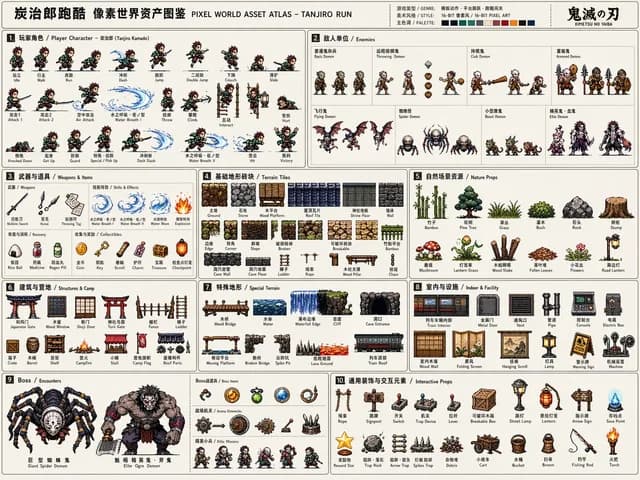
Larus Canus 发布
游戏素材 · 信息图 / 教育视觉 · 像素艺术 · 角色
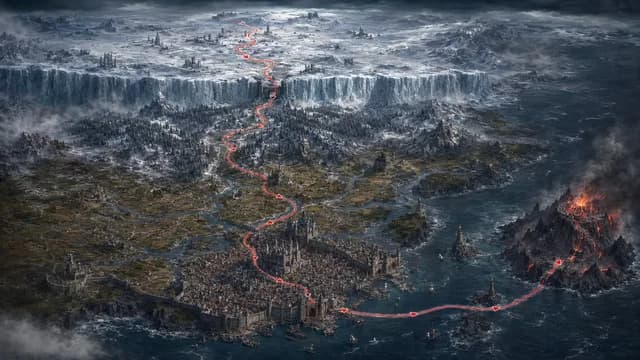
zhouluobo 发布
游戏素材 · 信息图 / 教育视觉 · 插画 · 电影感 / 电影剧照
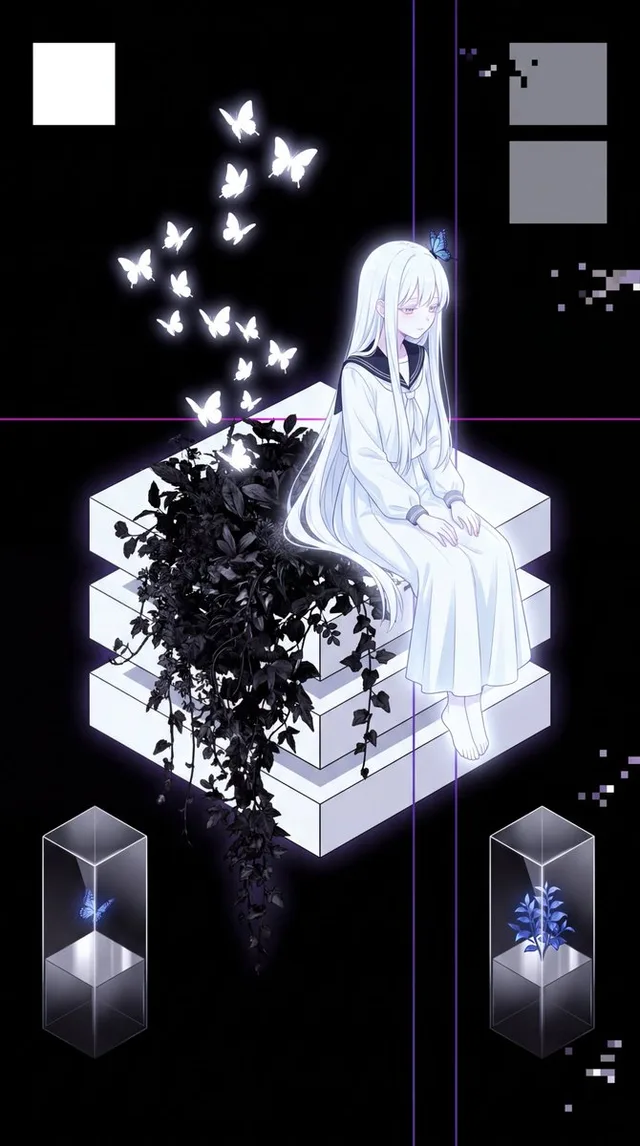
Pinodi 发布
游戏素材 · 应用 / 网页设计 · 动漫 / 漫画 · 等距视角
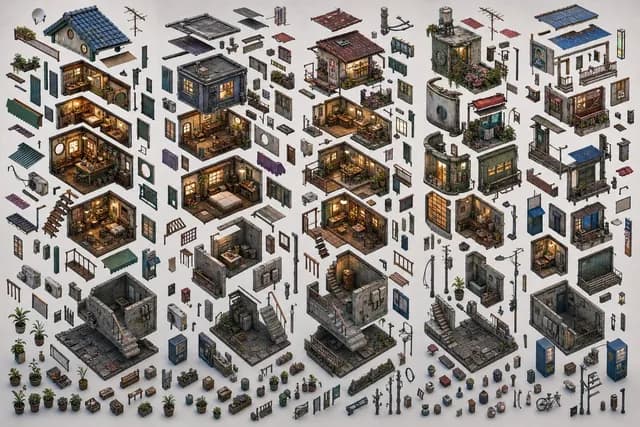
SEIIIRU😈動画生成AIを使う映像クリエイター 发布
游戏素材 · 插画 · 等距视角 · 建筑 / 室内
虎小象 发布
信息图 / 教育视觉 · 插画 · 等距视角 · 建筑 / 室内