
UmarAi 작성
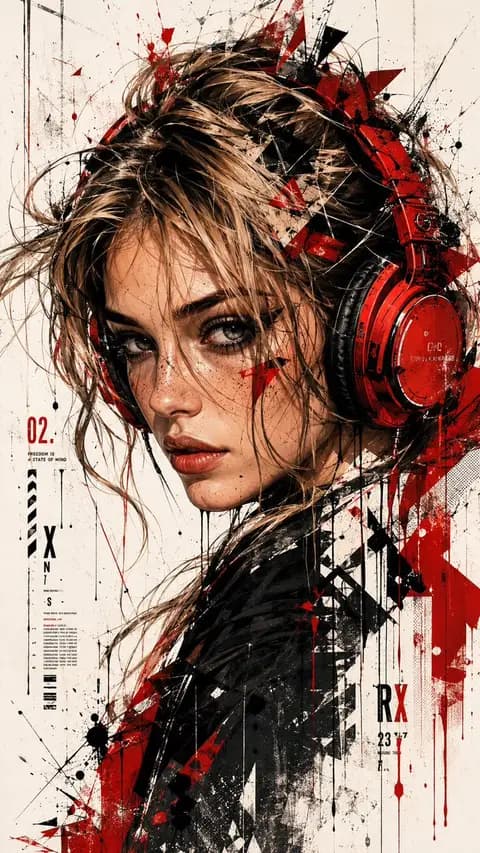
Trash Polka Urban Digital Painting
소셜 미디어 게시물 · 일러스트 · 스케치 / 라인아트 · 인물 / 셀피
4212.5k
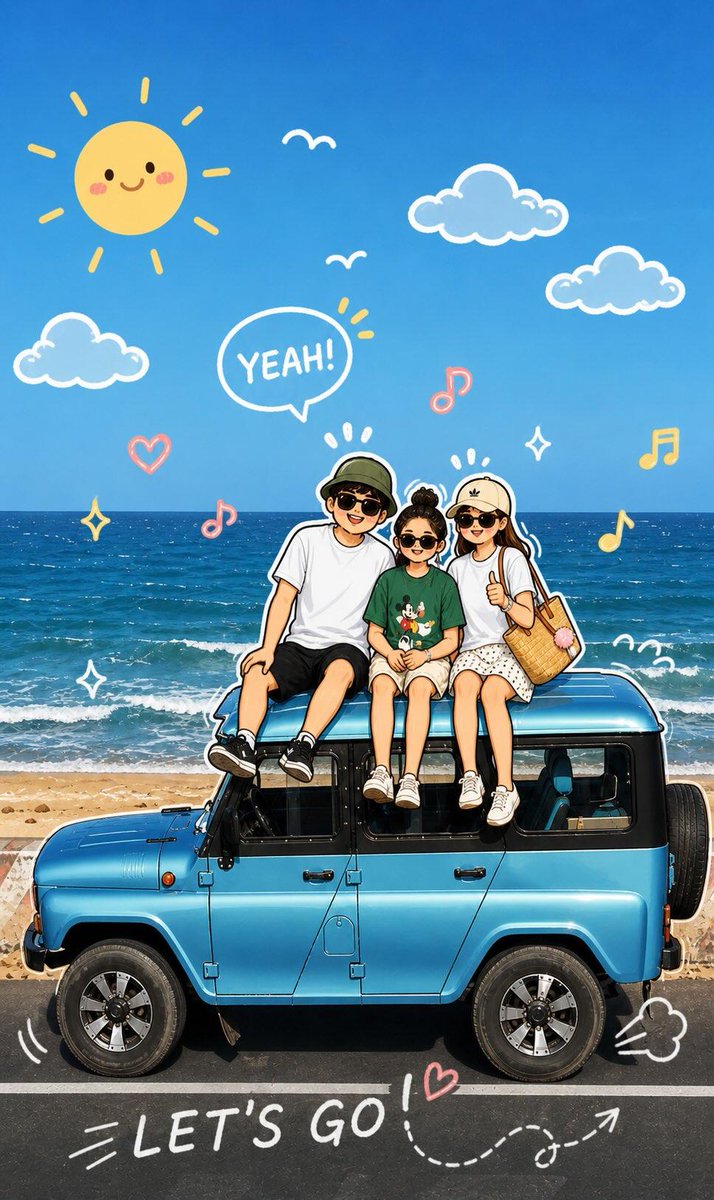
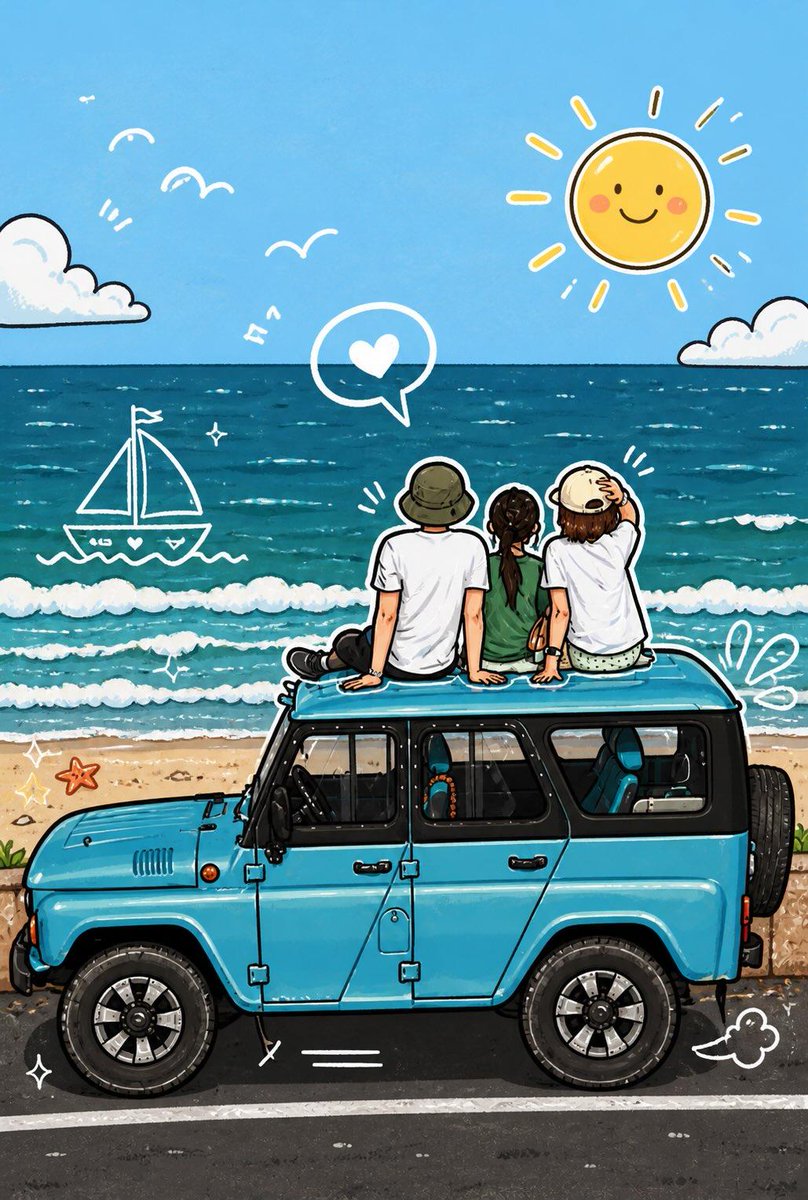
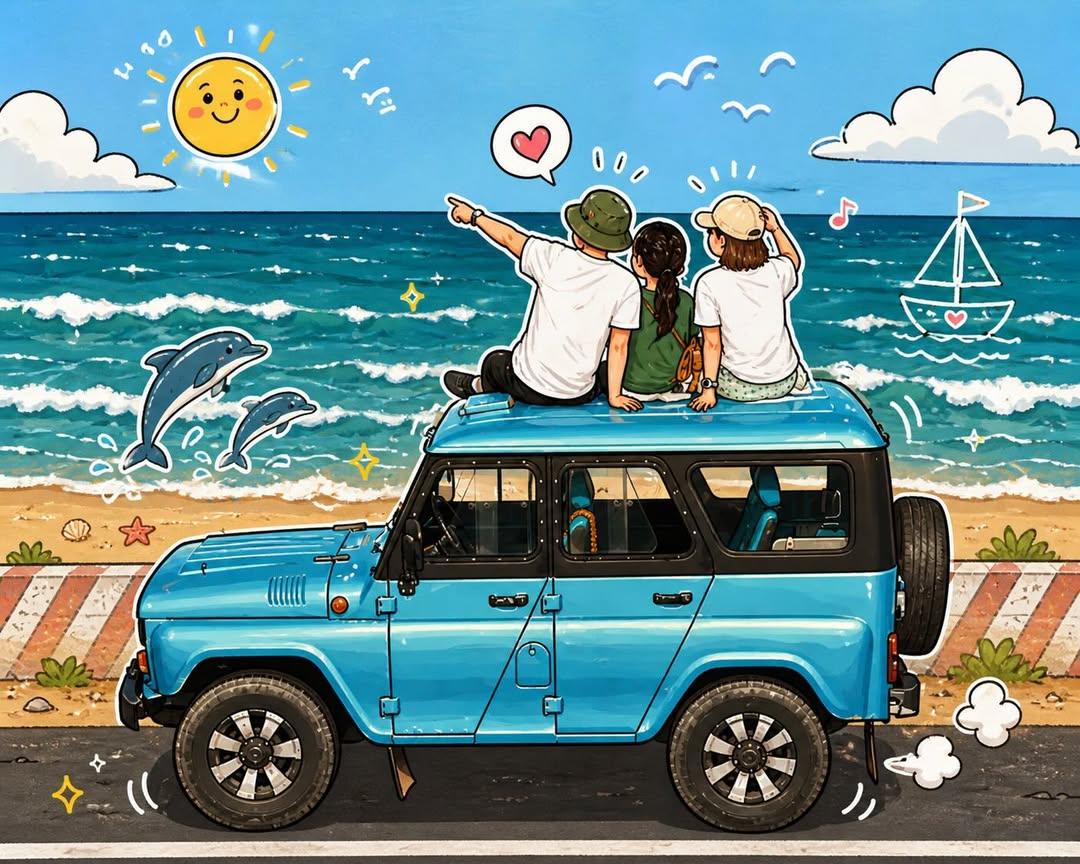
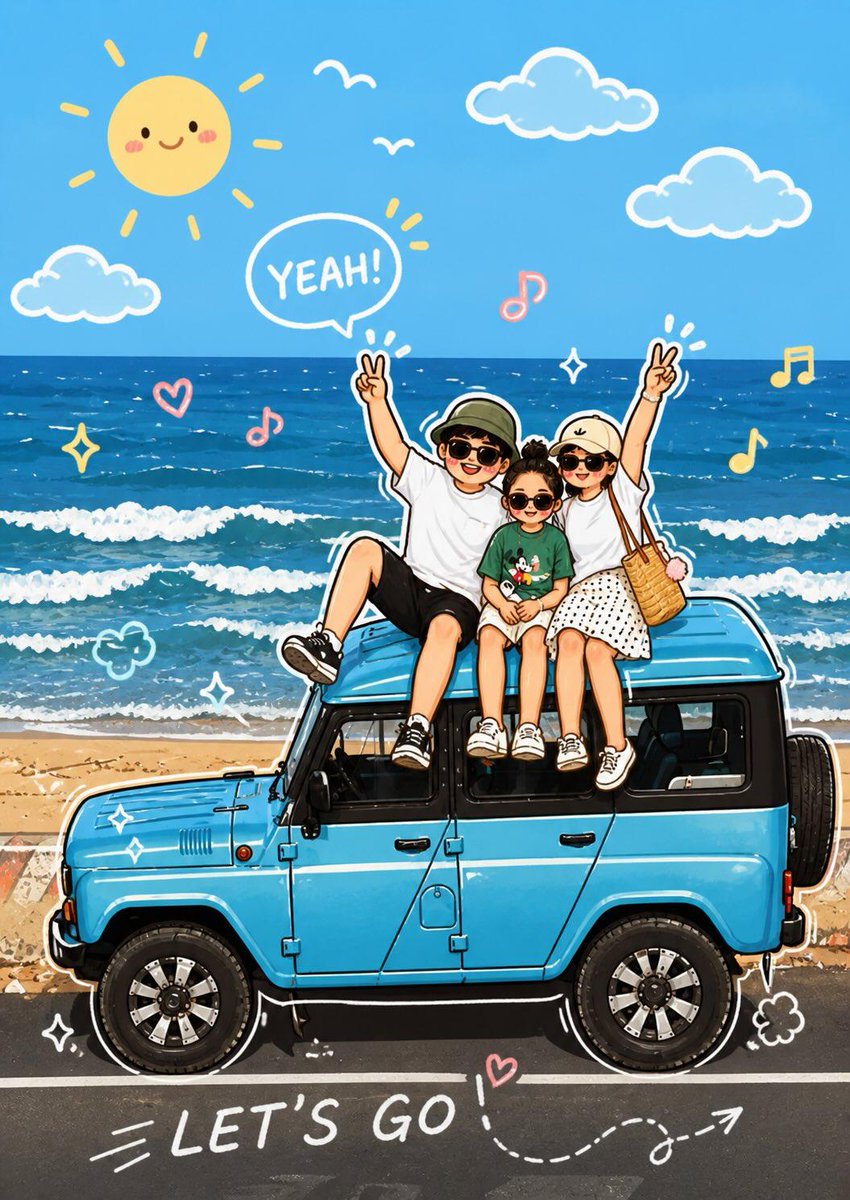
A two-step prompt for transforming an uploaded photo into a vibrant cartoon illustration with hand-drawn graphic elements.
복사하거나 수정할 수 있는 전체 프롬프트입니다.
Analyze the uploaded image and maintain the original subject, composition, and lighting. Do not change the identity or facial structure of the main character. Add playful hand-drawn graphic elements that interact directly with the subject in the image. The drawings should mimic, follow, or exaggerate the existing shapes, gestures, or movements — such as drawing lines around the pose, extending arms or legs, adding motion lines, or creating imaginary elements that "interact" with the subject.

Step 2:
Transform the entire image into a cute cartoon illustration in a soft, vibrant, and playful cartoon style. Maintain the original scene and character details while applying a vibrant, cute, and playful cartoon look.
قم بتحليل الصورة المرفوعة والحفاظ على الموضوع الأصلي، والتركيب، والإضاءة. لا تقم بتغيير هوية أو هيكل الوجه للشخصية الرئيسية. أضف عناصر رسومات يدوية مرحة تتفاعل مباشرة مع الموضوع في الصورة. يجب أن تقلد الرسومات، أو تتبع، أو تبالغ في الأشكال أو الإيماءات أو الحركات الموجودة — مثل رسم الخطوط حول الوضعية، أو تمديد الذراعين أو الساقين، أو إضافة خطوط حركة، أو إنشاء عناصر خيالية ت"تفاعل" مع الموضوع.

الخطوة 2:
حول الصورة بأكملها إلى رسم توضيحي كرتوني لطيف بأسلوب كرتوني ناعم وحيوي ومرح. حافظ على المشهد الأصلي وتفاصيل الشخصية مع تطبيق مظهر كرتوني نابض بالحياة ولطيف ومرح.
같은 모델과 카테고리의 관련 프롬프트입니다.
UmarAi 작성
소셜 미디어 게시물 · 일러스트 · 스케치 / 라인아트 · 인물 / 셀피
Sheikh Sharik 2.0 작성
포스터 / 전단 · 소셜 미디어 게시물 · 일러스트 · 스케치 / 라인아트
麻酱AI实验室 작성
포스터 / 전단 · 소셜 미디어 게시물 · 일러스트 · 스케치 / 라인아트
Jahan Zaib 작성
프로필 / 아바타 · 소셜 미디어 게시물 · 일러스트 · 스케치 / 라인아트
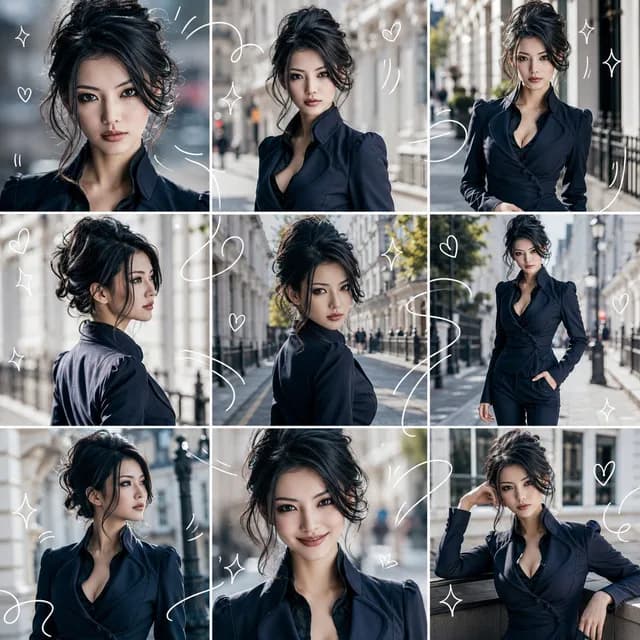
@AIライフハック 작성
소셜 미디어 게시물 · 프로필 / 아바타 · 사진 · 일러스트
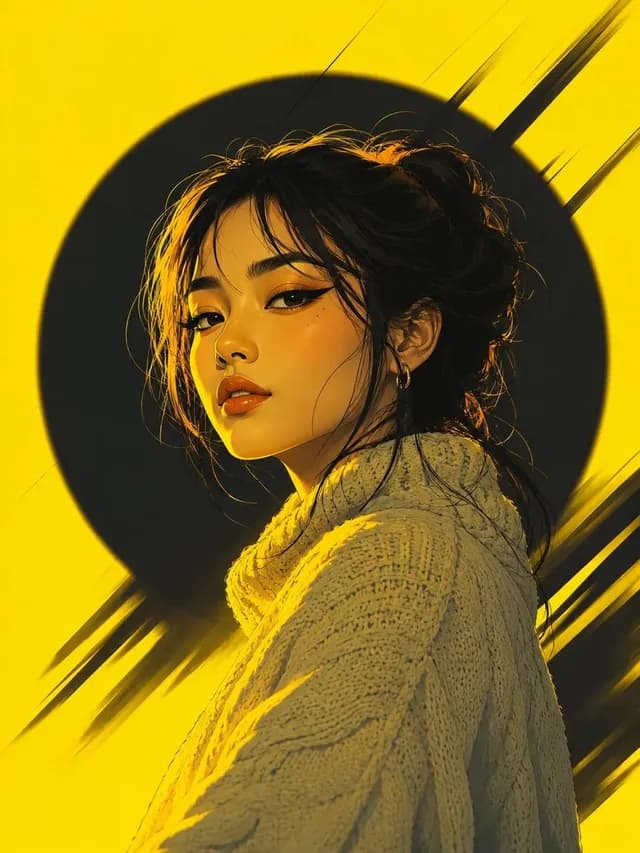
@KASHBERG 작성
프로필 / 아바타 · 소셜 미디어 게시물 · 스케치 / 라인아트 · 일러스트