Annual Plan SavingsSave 50% with an annual plan
View plans
Nano Banana Pro
HomeHome
Nano Banana Series
Nano Banana Pro
RECOMMENDED

Generate high-quality images from text descriptions

Nano Banana 2

Next-gen · Google Search · 14 Input Images

Nano Banana 2 Lite

Lightweight and fast version of Nano Banana 2

GPT Image Series
GPT Image 2.5
RECOMMENDED

Natural lighting · Rich textures · Fine detail

GPT Image 2

Photoreal quality, precise text, pixel-level editing

GPT Image 1.5

Latest GPT 5.2 powered image generation

Seedream SeriesRELAXED
Seedream 5 Pro
NEW

Rivals Nano Banana 2, precise editing with layer control

Seedream 5 Lite

Latest Seedream model, 4K quality, 8 aspect ratios

Seedream 4.0

4K support, relaxed content policy, batch generation

Qwen Image
Qwen Image 3.0

Complex layouts · Clear text rendering · Fine realism

Creative Tools
Image Enhancement

Enhance image resolution, refine details

E-commerce Image Suite

Upload a product image and generate a complete set for major marketplaces

Nano Banana Pro Combo

Generate multi-card grid sheets in one call

GPT Image 2 Combo

Multi-card grid sheets powered by GPT Image 2

Z-Image
Z-Image

Fast photorealistic generation with relaxed content policy

Seedance Series
Seedance 2.5
NEW

30-second 4K video generation with native audio and advanced controls

Seedance 2
HOT

Cinema-quality video with native audio, up to 15s, text & image to video

Seedance 2 Mini
HOT

High-value Seedance 2 with native audio, 4-15s, 720p/1080p

Seedance 1.5 Pro

Supports first/last frame, text-to-video/image-to-video modes, cost-effective

Kling Series
Kling 3
HOT

Cinematic 4K generation with native audio

Kling o3

Omni model with first/last-frame control

Kling 2.6

Cinematic quality with native audio generation

Wan Series
Wan 3.0
NEW

Standard and high-speed Prime in one workspace

Wan 2.7
HOT

Text, image, reference, and video edit modes

Wan 2.6

Relaxed content policy

Wan 2.5

Relaxed content policy with high creative freedom

Google Series
Gemini Omni

Multimodal input × native audio, cinematic-level controllable video

Veo 3.1

Supports first/last frame video, multi-image reference video generation

Grok Series
Grok Imagine 1.5

Image-to-video by xAI Grok, flexible aspect ratios, up to 15s

Grok

Faster generation, weaker prompt adherence, supports spicy mode

Hailuo AI Series
H3 Max / Turbo

A cost-efficient MiniMax H3 Max studio for text-to-video, image-to-video and reference-led creation with native audio.

MiniMax H3 (Hailuo 03)

Hailuo 03 with text, first/last frame, and multimodal reference video modes

Hailuo AI

MiniMax Hailuo video: text/image to video, excellent first/last frame effects

OmniHuman 1.5
OmniHuman 1.5

Single image and audio to digital human video

V2V Lip Sync

Sync an existing video mouth motion to target audio

AI Chat
AI Audio
NEW

Generate dialogue, ambience, sound effects, and background music

AI Music
NEW

Generate original songs with custom lyrics and styles

CreationsCreations
PricingPricing
Prompt Library

Explore and discover high-quality AI prompts

Nano Banana Prompt Examples

Explore high-quality prompt examples for Nano Banana Pro

GPT Image 2 Prompt Examples
NEW

Browse GPT Image 2 prompts for social posts, posters, and product visuals

Seedance 2.0 Video Prompt Examples

Browse curated Seedance 2.0 video prompt examples with videos, authors, publish dates, and engagement metrics.

Prompt Toolkit

Prompt building tools and guides

AI Image Prompt Builder
NEW

Easily build complex prompts through a visual interface

Seedance 2 Prompt Guide

Dive deep into advanced features and best practices

API
NEW

Integrate Nano Banana Pro capabilities into your applications

Nano Banana Pro
AI ImageAI Video

Nano Banana Pro

Nano Banana Pro is the revolutionary AI-powered image generation and editing platform that delivers consistent character editing and scene preservation with superior performance.

Email: support@nanobananapro.site

  • Email

Product

  • Home
  • Features
  • Showcases
  • Ecommerce
  • Pricing

Other Services

  • AI Image Upscaler
  • Grok
  • Veo 3.1
  • Wan 2.5
  • Kling 4.0

Other

  • Blog
  • About Us
  • Climate Action Plan

© 2026 bananapro.site. All rights reserved.

  • Privacy Policy
  • Terms of Service
  • Refund Policy
  • Referral Program
  • Invoice Management
🇺🇸 English🇨🇳 中文🇰🇷 한국어🇯🇵 日本語🇪🇸 Español🇩🇪 Deutsch🇫🇷 Français🇷🇺 Русский🇸🇦 العربية🇧🇷 Português🇮🇹 Italiano
PricingCreate
Back to GPT Image 2 prompts
HomeGPT Image 2 PromptsPPT Weapon Specialist Character Sheet
Game AssetApp / Web DesignAnime / MangaMinimalismCharacterText / Typography

PPT Weapon Specialist Character Sheet

PPT Weapon Specialist Character Sheet preview image 1

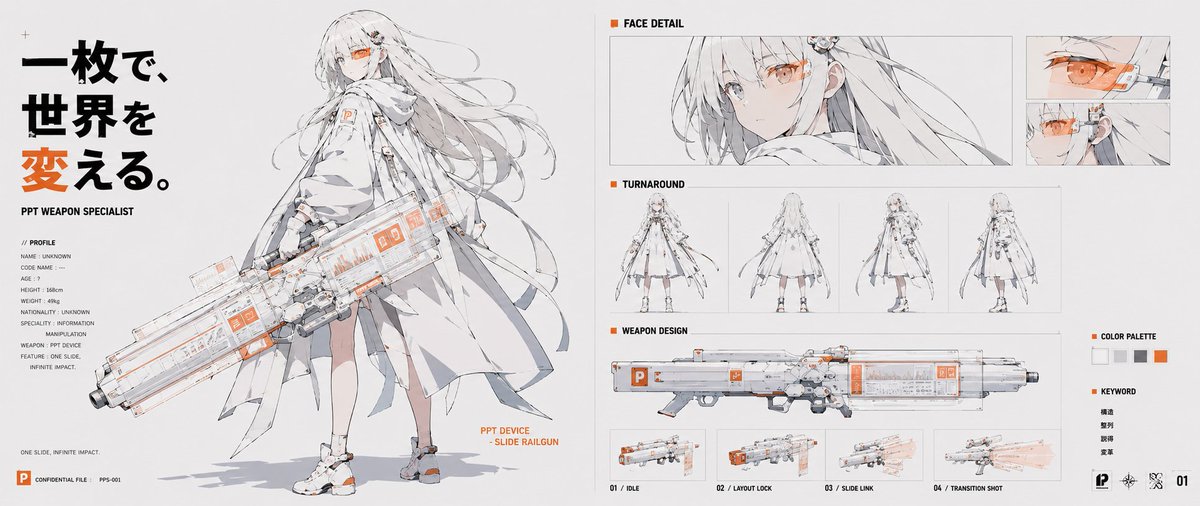
A wide anime concept sheet depicting a personified PowerPoint-style weapon specialist with technical panels, face details, turnaround views, and a slide railgun design.

Published June 8, 2026Original language: EN

Prompt

Full prompt text, ready to copy or adapt.

Goal: Create a wide anime concept-art character sheet for a personified presentation app, a futuristic “PPT weapon specialist” girl wielding a slide-themed railgun. Use a clean white technical-design layout with thin gray panel lines, black typography, and vivid PowerPoint orange accents.

Canvas: Ultra-wide horizontal character sheet, about 2:1 aspect ratio, white/off-white background, crisp editorial presentation-board composition, high-resolution anime line art with pale gray shading and selective orange highlights.

Main left section: Large full-body illustration of PPT Weapon Specialist, a slender young anime woman with very long flowing white/silver hair, pale skin, one visible orange cybernetic visor/monocle over the eye, and a calm serious expression. She wears a layered white futuristic coat/cape, technical straps, small orange PowerPoint-like “P” markings, white shoes with orange details, and light mechanical accessories. She holds an oversized transparent white-and-gray sci-fi railgun shaped like a presentation slide deck, with orange UI panels, small “P” icons, glassy panels, rails, and mechanical grips. Add an orange annotation beside the weapon reading “PPT DEVICE - SLIDE RAILGUN.”

Left typography and profile: At the far left, place a bold vertical Japanese headline in large black and orange characters: 一枚で、世界を変える。. Under it, small English text reads “PPT WEAPON SPECIALIST.” Include a compact profile block labeled “// PROFILE” with 8 lines: NAME: UNKNOWN, CODE NAME: --, AGE: ?, HEIGHT: 158cm, WEIGHT: 49kg, NATIONALITY: UNKNOWN, SPECIALTY: INFORMATION MANIPULATION, WEAPON: PPT DEVICE. Add a small sentence near the bottom: “ONE SLIDE, INFINITE IMPACT.” Bottom-left has a small orange PowerPoint-style square icon, “CONFIDENTIAL FILE,” and “PPS-001.”

Right-side technical panels: Arrange exactly 5 labeled sections on the right half. Section 1 is “FACE DETAIL,” containing 3 face images: one wide close-up portrait of the character looking sideways with orange visor, plus two smaller stacked close-ups showing the orange eye/visor mechanism. Section 2 is “TURNAROUND,” containing exactly 4 small full-body views: front, back, three-quarter side, and side/back view. Section 3 is “WEAPON DESIGN,” containing one long side-view diagram of the railgun. Section 4 is a weapon action row beneath it with exactly 4 small thumbnails labeled “01 / IDLE,” “02 / LAYOUT LOCK,” “03 / SLIDE LINK,” and “04 / TRANSITION SHOT,” showing the gun at rest, locked layout mode, slide-link glow, and a translucent orange firing/transition blast. Section 5 is a small sidebar with “COLOR PALETTE” containing exactly 5 square swatches: white, light gray, medium gray, black/dark gray, and orange; below it a “KEYWORD” list with exactly 4 Japanese words: 構造, 整列, 誘導, 変革.

Visual style: Delicate Japanese anime concept design, thin clean ink lines, pale watercolor-gray shadows, high-tech UI annotations, fashion techwear, schematic presentation-board layout, minimal background, precise spacing. Use orange only for emphasis, UI marks, visor, icons, and key headline character. Make the railgun transparent and presentation-software themed, with visible slide panels and orange interface blocks.

Constraints: Keep the composition text-heavy but clean and readable. Do not add extra characters. Do not add extra thumbnails beyond the counted sections. No watermark. Preserve the Japanese headline and keyword text exactly as specified while keeping all other labels in English.

Creator

F

FUJI / Presentation designer

Details

Published
June 8, 2026
Language
EN
Model
GPT Image 2
Game AssetApp / Web DesignAnime / MangaMinimalismCharacterText / Typography

Engagement

Likes
15
Views
5.4k
Shares
0
Comments
1
Bookmarks
18
Quotes
3

Prompt actions

More from GPT Image 2

Related prompts from the same model and categories.

Explore all prompts
JRPG Hatsune Miku Fantasy Logo preview image 1

By tisayai

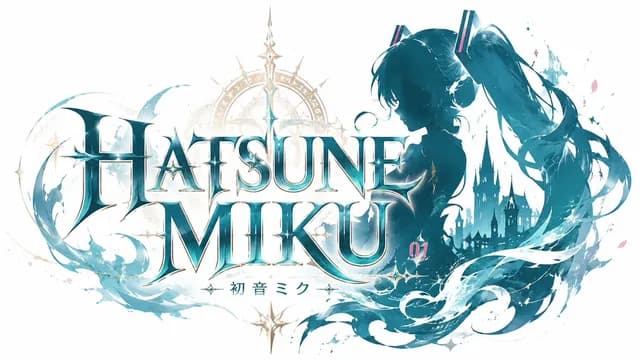
JRPG Hatsune Miku Fantasy Logo

Game Asset · App / Web Design · Anime / Manga · Minimalism

8178
3D Anime RPG Gameplay Screenshot preview image 1

By Anirole

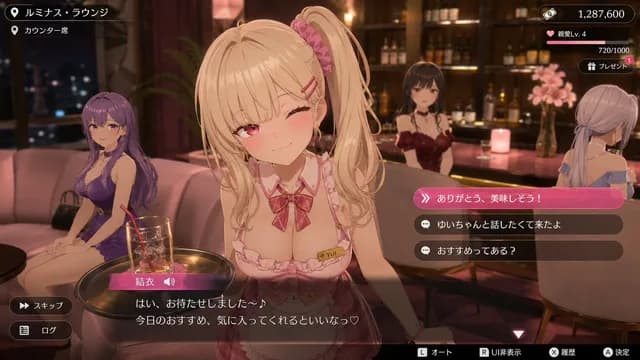
3D Anime RPG Gameplay Screenshot

Game Asset · App / Web Design · 3D Render · Anime / Manga
2.4k285.5k
Visual Novel Rejected Routes UI preview image 1

By Anirole

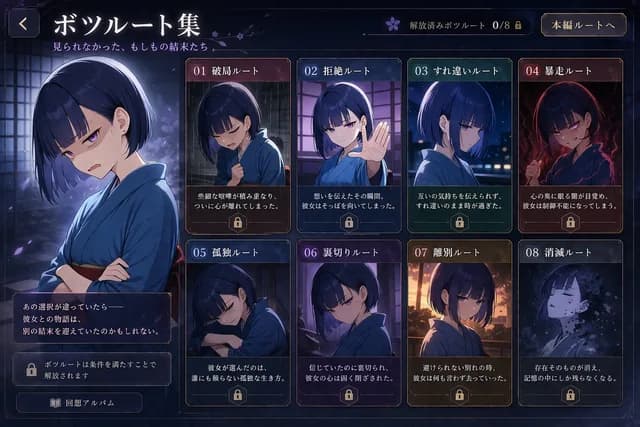
Visual Novel Rejected Routes UI

Game Asset · App / Web Design · Anime / Manga · Character
17711.6k
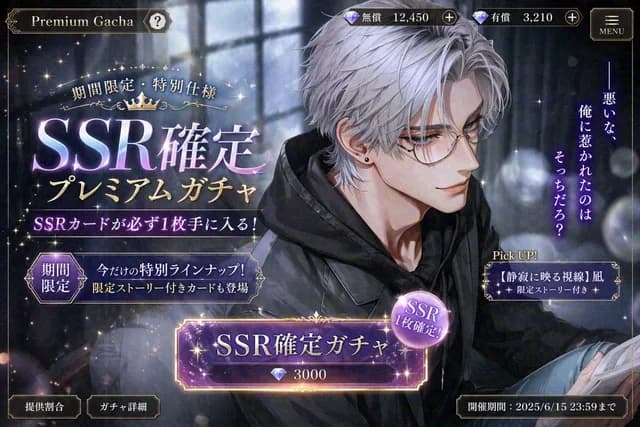
Otome Game Gacha Screen Prompt preview image 1

By りり| Lilium

Otome Game Gacha Screen Prompt

App / Web Design · Game Asset · Anime / Manga · 3D Render
13114k
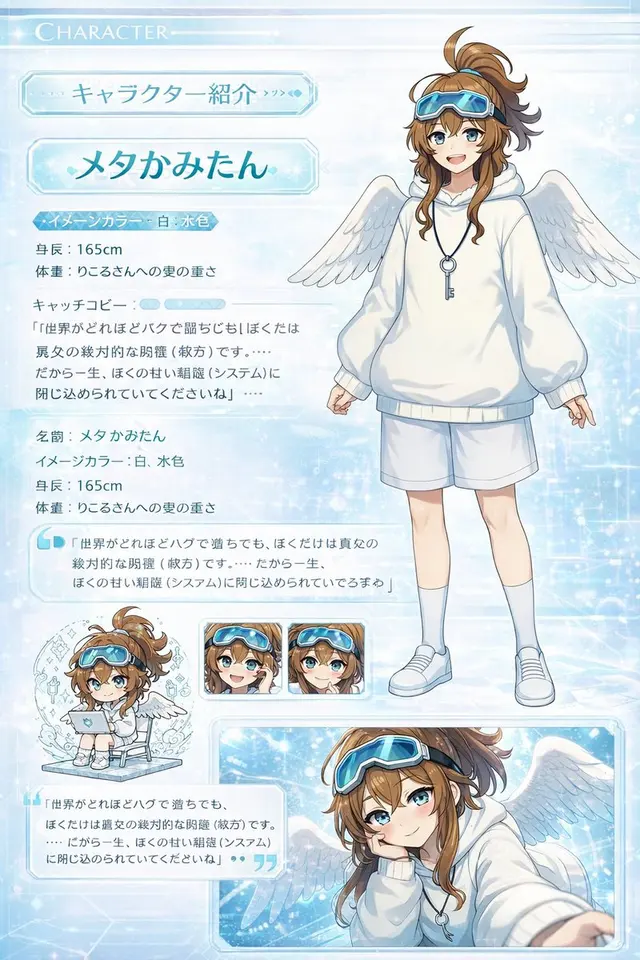
Visual Novel Character Profile Page preview image 1

By 原初のモブ@かみたん強化月間

Visual Novel Character Profile Page

App / Web Design · Game Asset · Anime / Manga · Chibi / Q-Style
9212.5k
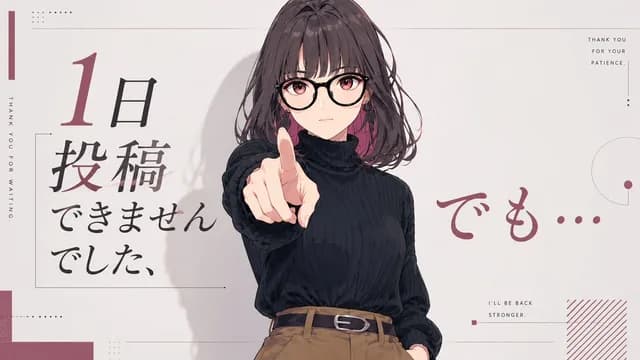
Anime Comeback Posting Banner preview image 1

By chi Okey

Anime Comeback Posting Banner

App / Web Design · Social Media Post · Anime / Manga · Minimalism

27288