
1Not generated
📷
Straight-on catalog view on a clean white background.
Marketplace-ready product sets for Amazon, Temu, TikTok Shop, Shopee, Walmart, Ozon, Tmall, and more
Upload your own product or a competitor reference, pick a marketplace preset, and get the whole listing set in one run. Before generating you can reassign or add direction to any single shot; afterwards you can review, redo, and download them one by one.
Swap the shot or add direction per slot. After generating, hover a card to retry, download, or remove it.
Straight-on catalog view on a clean white background.
Premium three-quarter angle that reveals form and depth.
Exact left profile with geometry and proportions preserved.
Straight rear view for a complete product inspection.
Close crop of the most important material or functional detail.
Product in a relevant, conversion-focused use context.
A Coordinated Set comes in 4, 6 or 9 shots. Switch to Independent HD to add or remove shots at will.
Click to preview
The problem this solves: one product needs many photos, each from a different angle, and all of them have to look like the same object. You supply the references; the preset lays out the angles, scenes and close-ups; you fine-tune afterwards.
Required
Product references only
Everything else has a default. On your first run you can leave it all alone and just generate.
Choose first
Production mode
It decides which set sizes are available and whether shots can be added or removed, so it comes before the count.
Default
Coordinated Set · 6 shots
Covers the common marketplace layout and is the cheapest option per image.
After generating
Still editable
Redo just the shot you dislike — no rerunning the set, no paying for the whole set again.
A preset only decides which shots the set starts with — you can still swap any of them. Pick the marketplace you actually list on; if you sell on your own site or haven't decided, use a generic set.
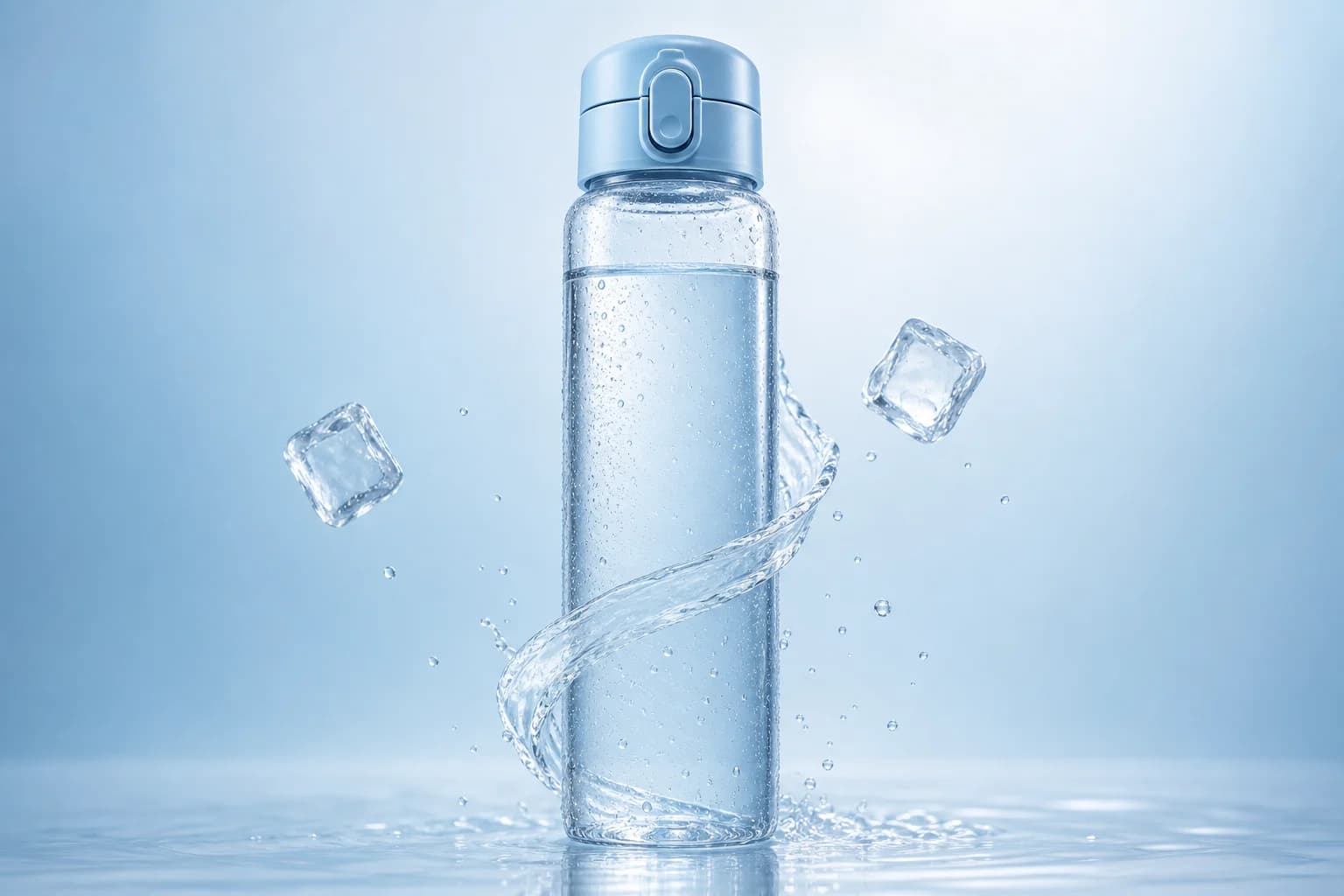
Front hero, 3/4 hero, left side, back, detail close-up, lifestyle. The hero uses a pure white background with the product at roughly 85% of the frame, matching Amazon's main-image convention.

Front hero, product demo, detail close-up, scale, lifestyle, packaging. Leans mobile-first with a stronger hero and more selling-point frames.

Front hero, 3/4 hero, detail close-up, scale, lifestyle, packaging. Reads clearly even at thumbnail size — suited to mobile-heavy channels.

Front hero, lifestyle, product demo, scale, detail close-up, packaging. Weighted toward scenes and demos, closer to how content commerce is browsed.
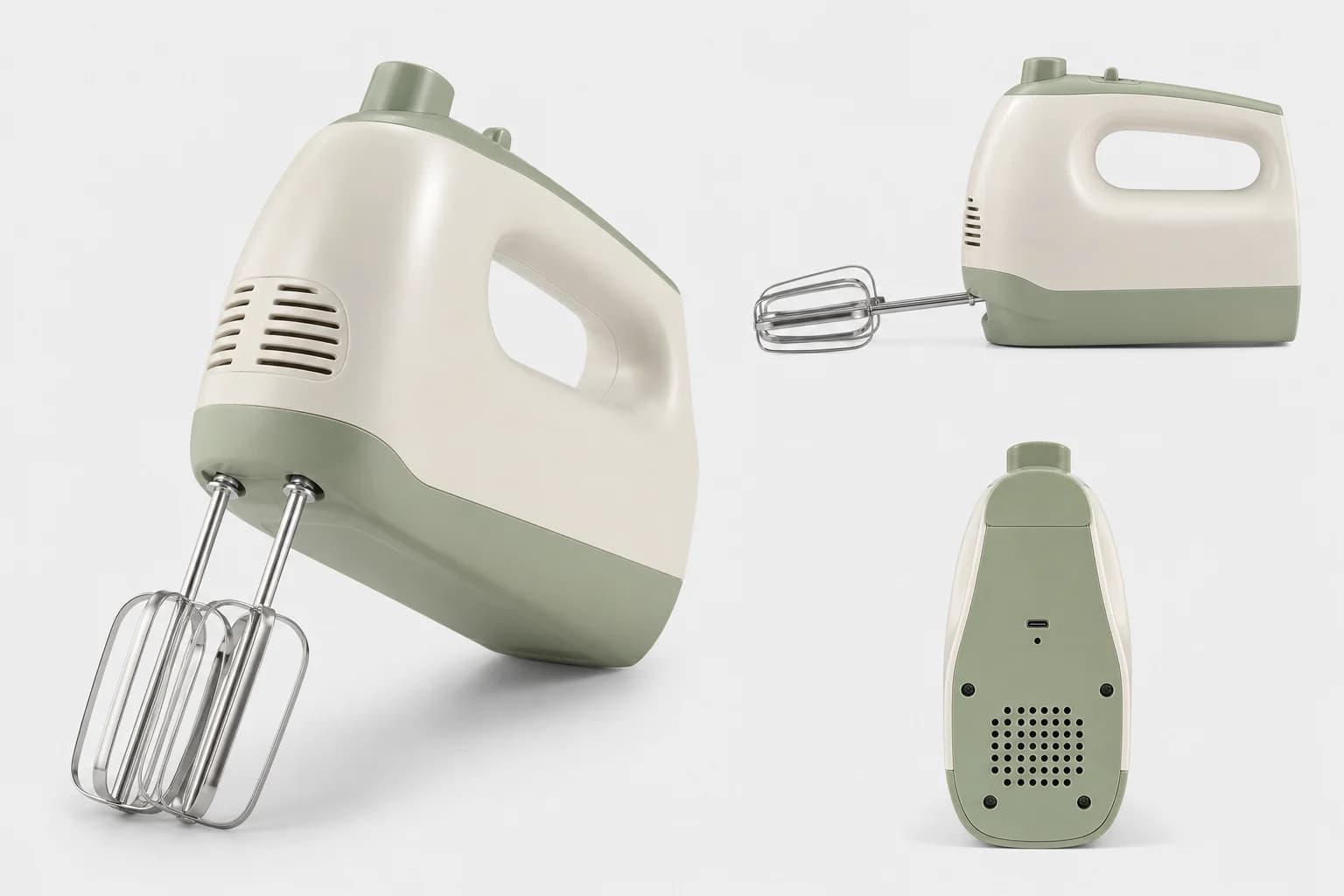
Front hero, 3/4 hero, left side, detail close-up, scale, lifestyle. Square white-background hero plus multi-angle coverage.
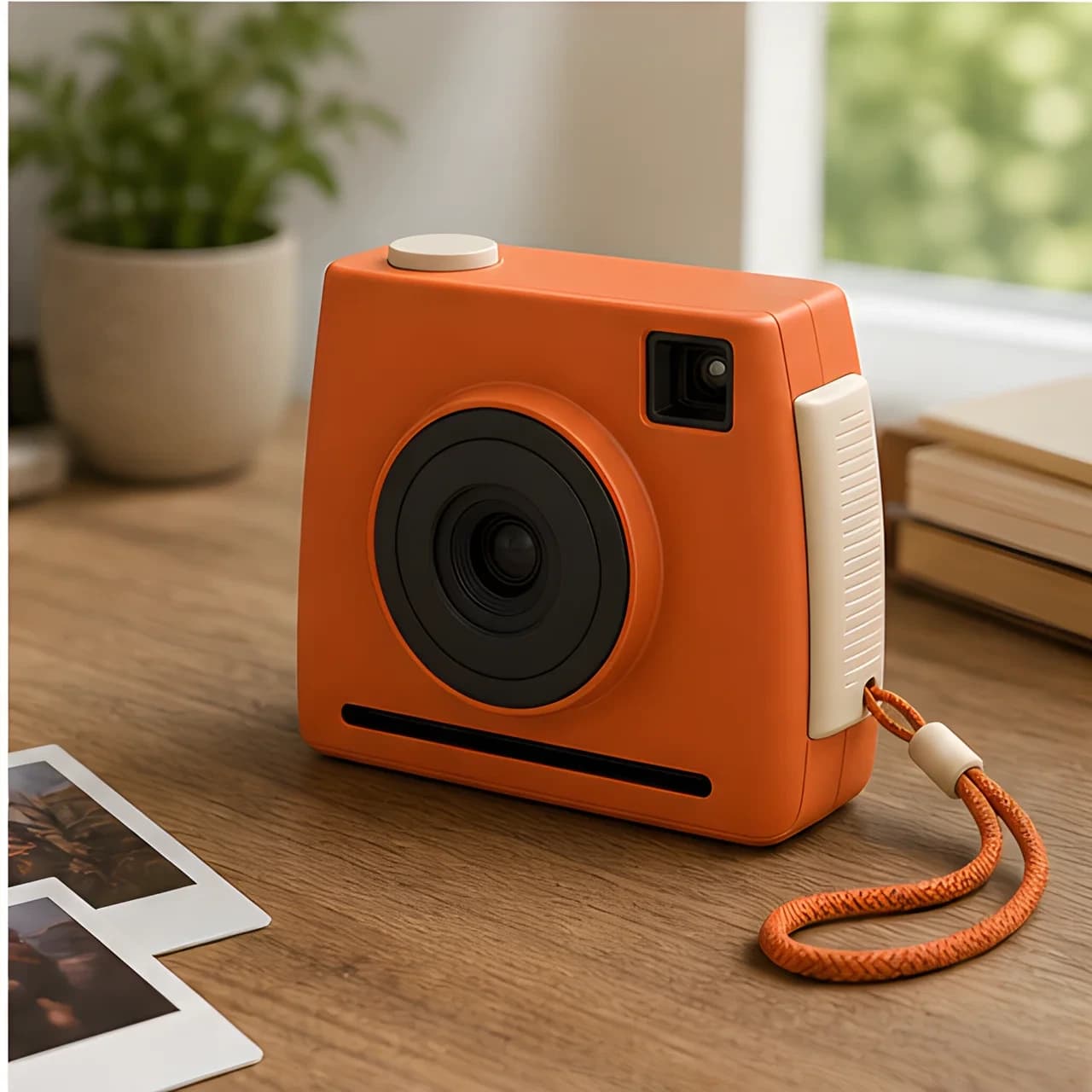
Front hero, 3/4 hero, product demonstration, detail close-up, scale, and lifestyle. Clear catalog imagery that reads well at thumbnail size.

Platform-agnostic. Essential 4 covers front, 3/4, side and back — fastest and cheapest. Complete 9 covers every angle plus detail, scale, lifestyle and packaging.
Producing the set is not the end. Every card carries its own status and actions, so you can deal with just the one you dislike.
Each card shows its status in the lower-left corner, and the bar on top tracks the whole set — how many are done and whether any failed. A shot you redid is additionally tagged as retried.
Hover a card and click Retry to regenerate just that image while the rest stay untouched. A failed card shows the retry button without hovering, and if several failed, Retry failed at the top redoes them all at once.
Download all takes the whole set. Select switches to a checkbox mode for just the ones you want. Hover a single card and click Download for that one shot. Redone slots always download the newer image.
In Independent HD the shot plan ends with Add a shot (up to 10), and every card can Remove itself — credits update live. In Coordinated Set, use the set size instead.
Both produce a complete listing set. They differ in consistency, control and cost. If you cannot decide, start with Coordinated Set — it is the default.
| Coordinated Set (default) | Independent HD | |
|---|---|---|
| Style consistency | Stronger — produced together, so color, light and material feel line up naturally | Strong — produced shot by shot, with occasional subtle variation |
| Credit cost | Lower, noticeably cheaper per image | Higher, billed per shot |
| Speed | Faster, the set completes in one run | Slower, shots queue up one by one |
| Set sizes | Fixed at 4, 6 or 9 | Anything from 1 to 10 |
| Add or remove one shot | Not available — use the set size instead | Available any time from the shot plan |
| Resolution | Set for the whole set, not per shot | Your choice, up to 4K |
| Redo a single shot | Yes (that shot is billed as Independent HD) | Yes (billed at its own rate) |
| Best for | First runs, full listings, cost-sensitive work | A few specific shots, higher resolution, iterating on one image |
Locking the product identity, planning what each shot is for, two ways to produce, and per-shot download — all in one workspace.
The usual image sets for Amazon, Tmall, Temu, TikTok Shop, Shopee, Walmart and Ozon are already laid out, plus platform-agnostic Essential 4 and Complete 9 sets.
Your references define the exact product. The whole set keeps the same silhouette, proportions, materials, colors, branding and visible craftsmanship — it never turns into a different variant halfway through.
Before generating, swap what any shot is for or add direction to just that one. Afterwards, redo only the shot you dislike and leave the rest untouched.
Coordinated Set produces the whole set together for tighter style and lower cost. Independent HD produces shot by shot with your chosen resolution and per-shot redo.
Short flow, but every shot's purpose and direction stays in your hands.
Add 1–4 clear product photos. Sharp, evenly lit, unobstructed shots work best; adding more angles makes the back, sides, ports and closures far more accurate. Optionally add one line about the product — category, audience, or a detail that must stand out.
Choose the marketplace preset (it decides which shots the set contains), then confirm the count. The shot plan on the right lists what each image is for — swap any of them, or add direction to just one, e.g. "lid open, showing the inner gasket".
If unsure, keep the default Coordinated Set. Each card shows its own status while generating. When done, hover any card to redo, download or remove just that shot, or download the whole set at once.
Common questions about choosing options and adjusting a set after it's generated.
Use our AI image prompt gallery for creative inspiration, then generate them with E-commerce Image Suite.
Browse AI image prompts →