
そう|Claude Codeで始めるAI自動化 发布
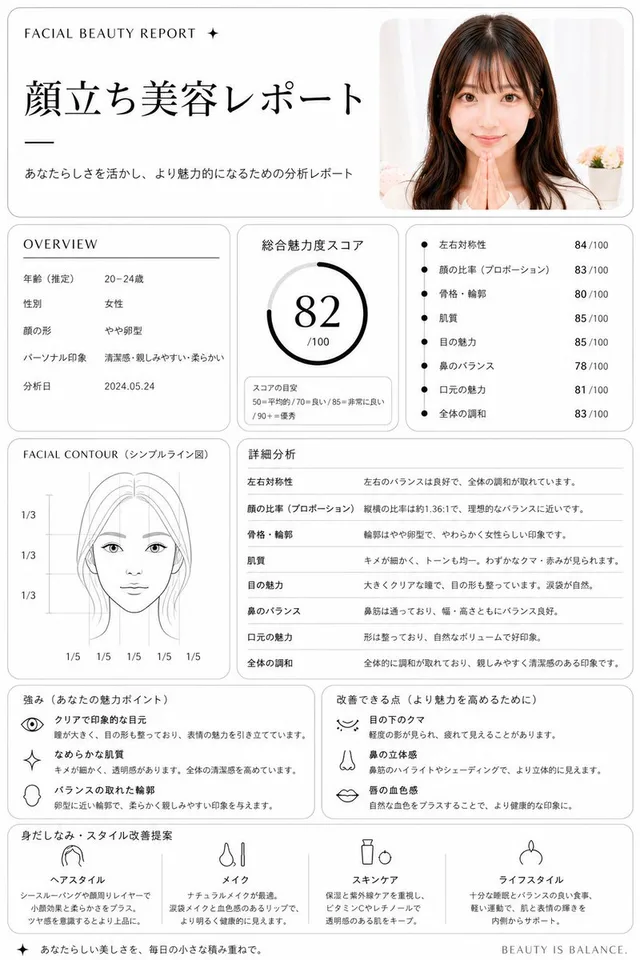
极简面部美容报告
信息图 / 教育视觉 · 应用 / 网页设计 · 极简主义 · 草图 / 线稿
57538.2k
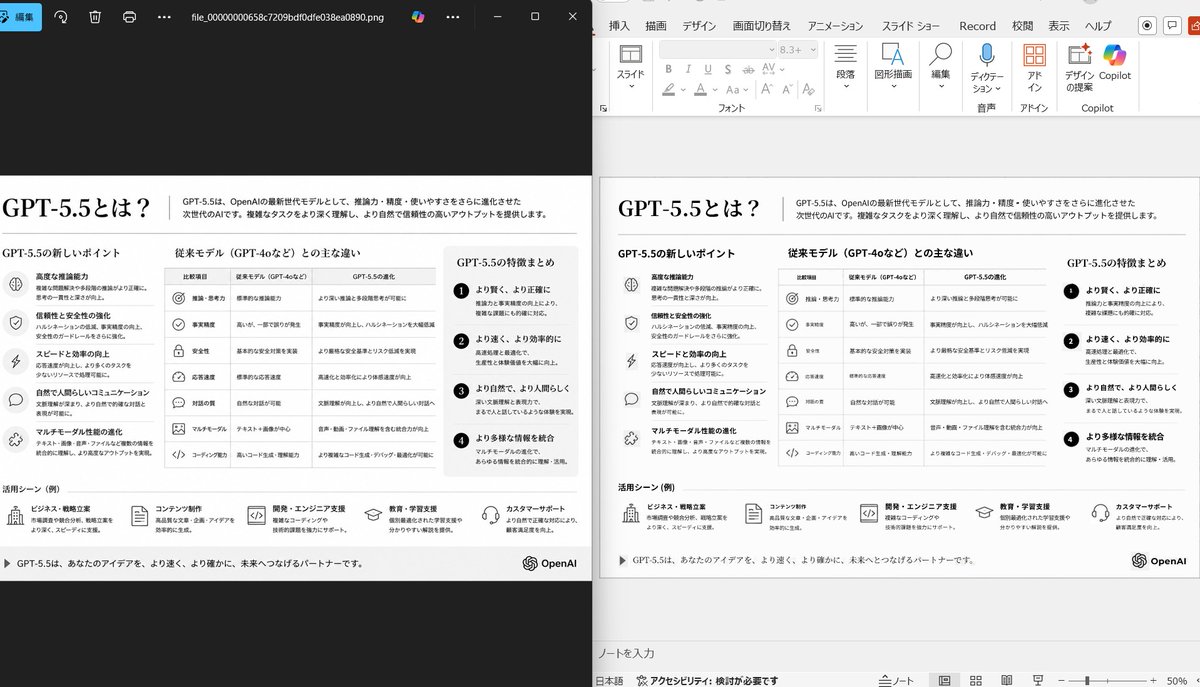
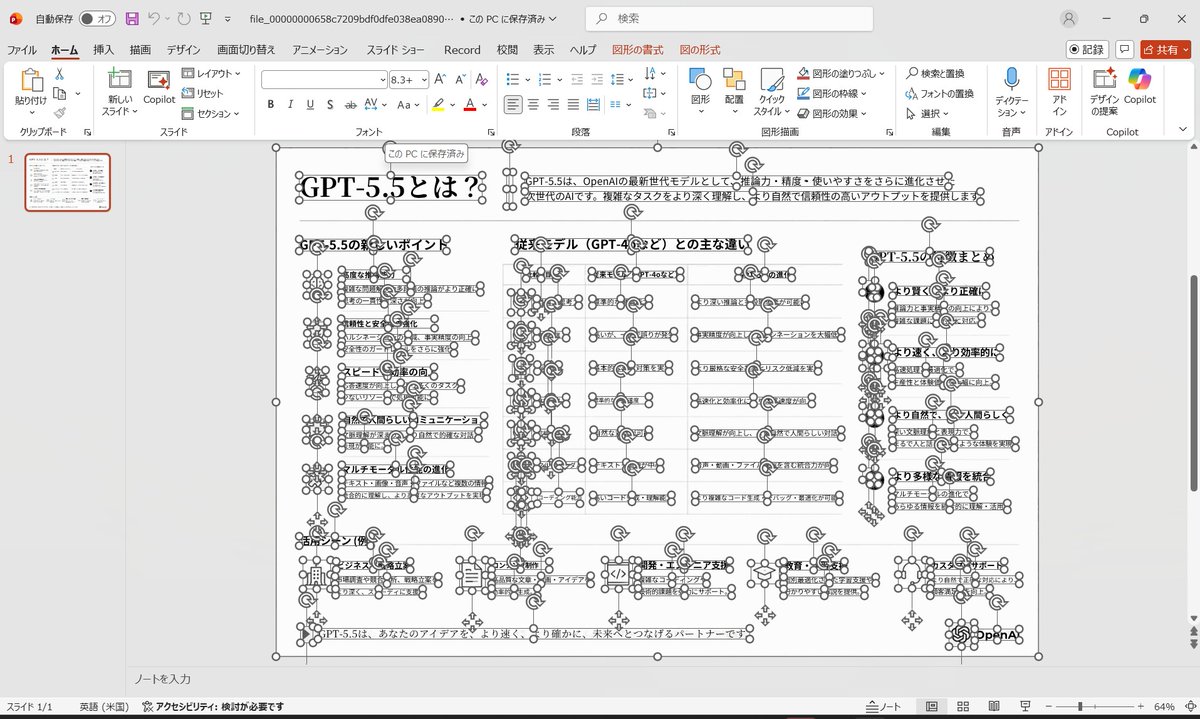
This prompt generates a realistic comparison screenshot showing a messy reference slide cleaned up into a faithful PowerPoint reconstruction, useful for slide-to-PPT conversion demos.
完整提示词,可直接复制或调整。
Using the provided reference image of the PowerPoint slide screenshot, recreate it as a clean, polished slide conversion result inside a side-by-side desktop comparison. Keep the same Japanese slide topic and overall layout, but remove the dense selection handles, edit boxes, and malformed vector artifacts from the reference so the slide appears properly reconstructed. Show 2 panels: on the left, a dark image viewer window displaying the exported slide image; on the right, the same slide opened in PowerPoint editing view. Preserve the original monochrome infographic style and Japanese text structure, but make the typography legible and the icons, dividers, and columns cleanly aligned. Keep the slide as a single-page infographic with 5 main content areas: 1 top title/header row, 3 mid-page comparison columns, 1 bottom use-case row containing 5 icon-labeled items. Include a footer line and the OpenAI logo at bottom right. Emphasize that this is a faithful PPT reconstruction from the uploaded image, with a realistic Windows desktop app screenshot look.
来自相同模型和分类的相关提示词。
そう|Claude Codeで始めるAI自動化 发布
信息图 / 教育视觉 · 应用 / 网页设计 · 极简主义 · 草图 / 线稿
歸藏(guizang.ai) 发布
信息图 / 教育视觉 · 应用 / 网页设计 · 极简主义 · 文字 / 排版
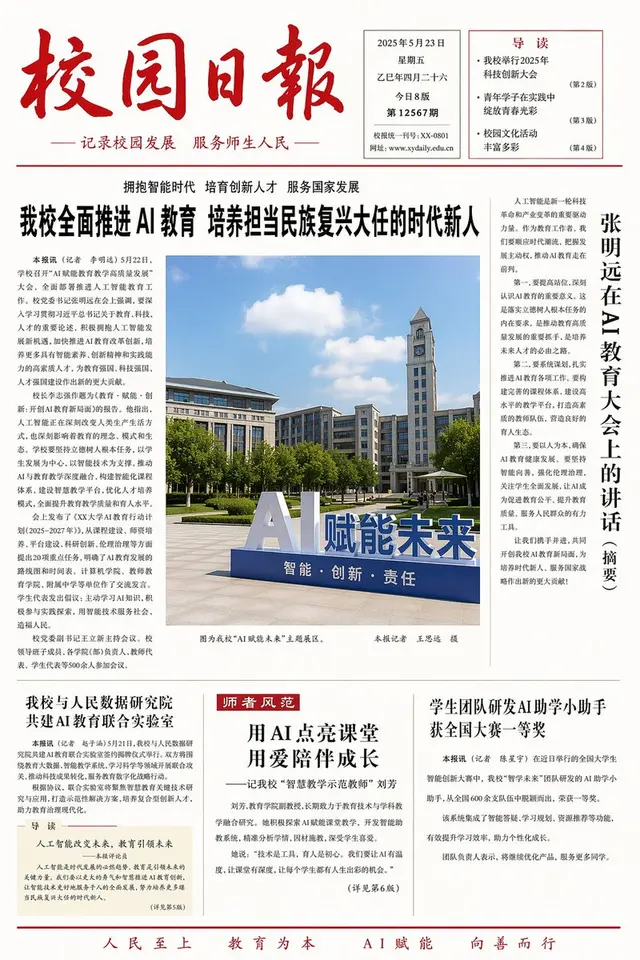
Larus Canus 发布
信息图 / 教育视觉 · 产品营销 · 电商主图 · 应用 / 网页设计
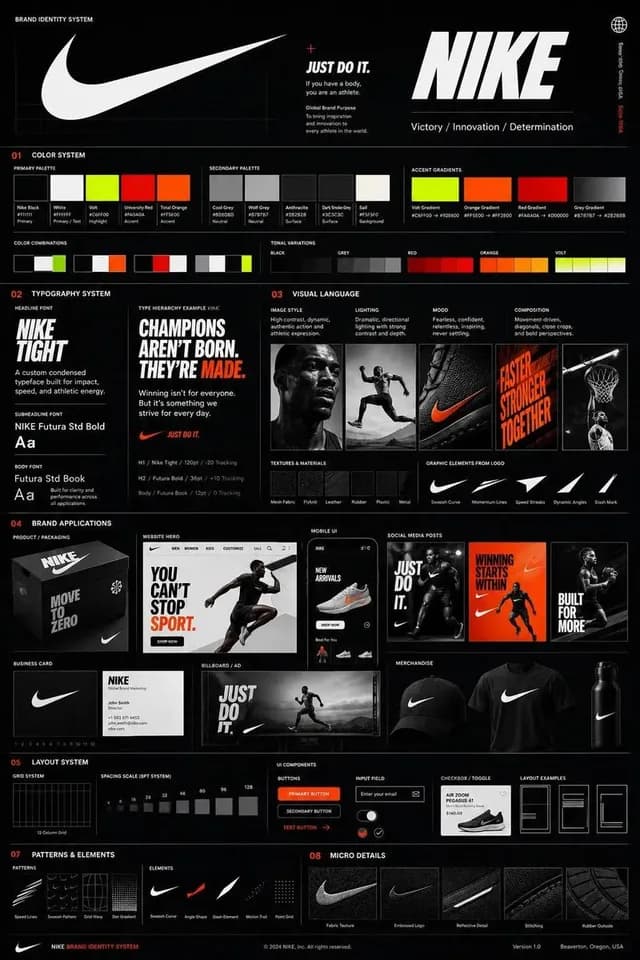
Ciri 发布
应用 / 网页设计 · 信息图 / 教育视觉 · 极简主义 · 插画
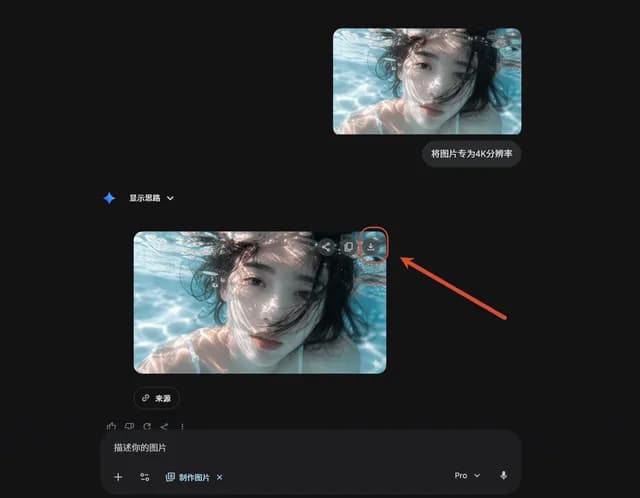
唐华斑竹🦅 发布
应用 / 网页设计 · 信息图 / 教育视觉 · 极简主义 · 图解 / 图表
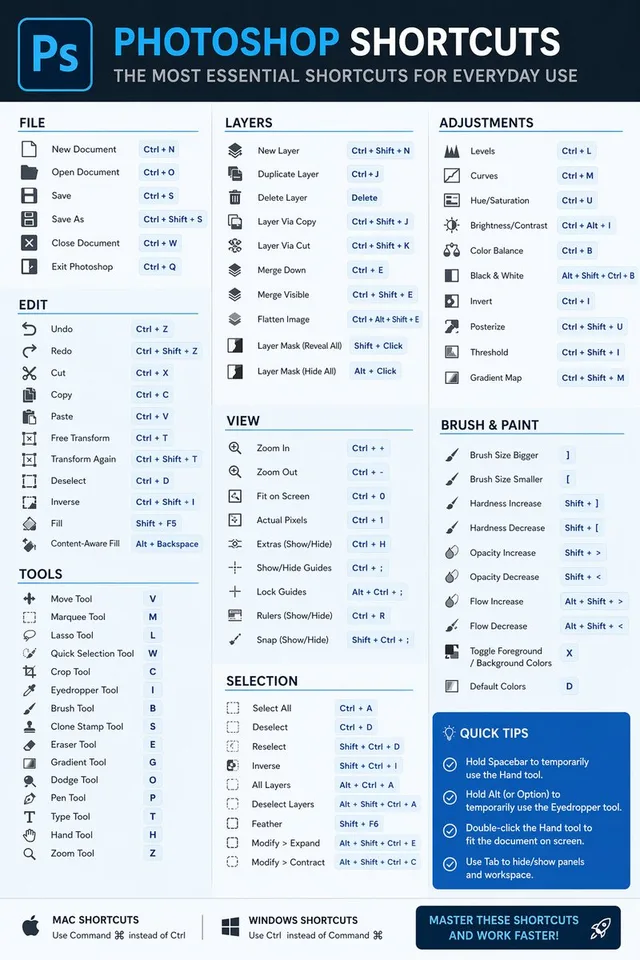
Kris Kashtanova 发布
信息图 / 教育视觉 · 应用 / 网页设计 · 极简主义 · 插画