
cheaty 发布
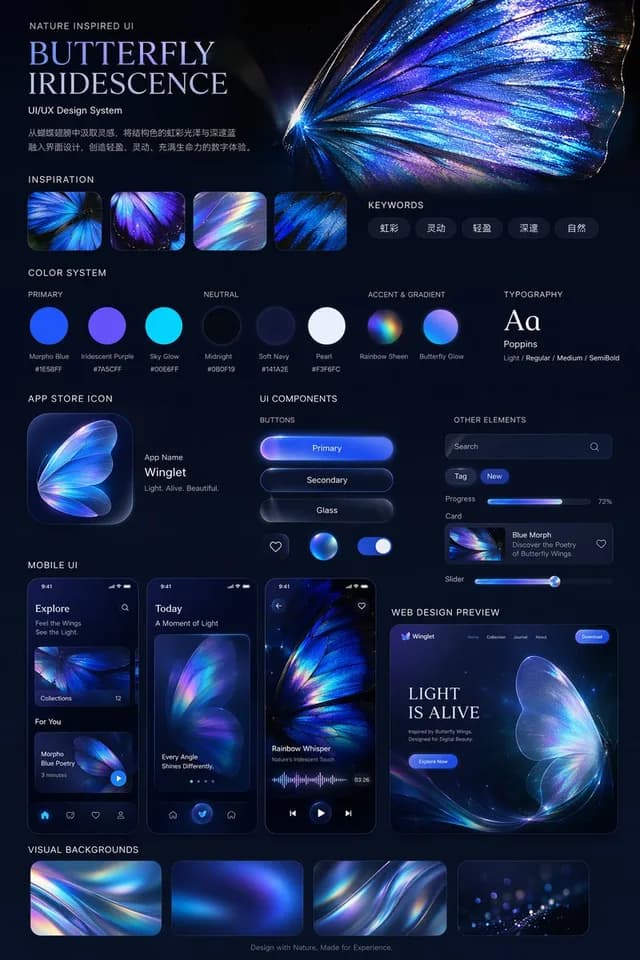
彩虹蝴蝶UI/UX设计系统
应用 / 网页设计 · 极简主义 · 插画 · 抽象 / 背景
15560
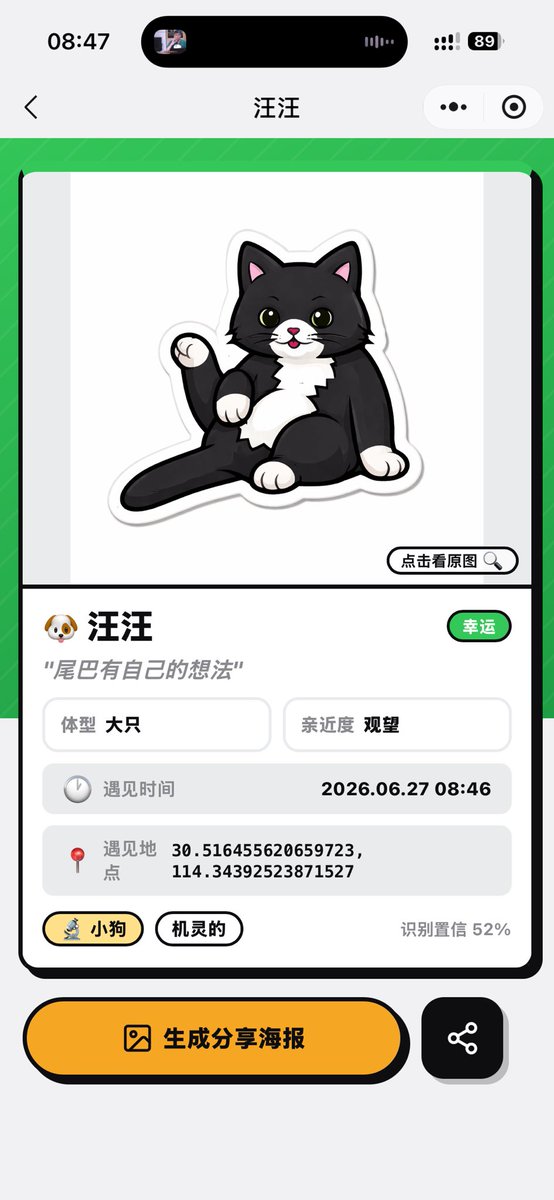

Creates a polished Chinese mini-program pet recognition result page from a live cat camera reference.
完整提示词,可直接复制或调整。
Using the provided reference image as the source cat and app context, transform the camera recognition screen into a completed pet-profile result screen for a mini app. Replace the live camera view with a clean card-style analysis page: show a cute sticker-like cartoon illustration of the same black-and-white cat sitting with its tail raised on a white preview area, with a small button labeled “点击看原图” and a magnifying-glass icon. Keep the mobile screenshot aspect ratio and iOS-style top chrome, but change the page title to 汪汪.

Layout: Create one large rounded rectangular result card on a bright green patterned background. Under the illustration, add a profile section with exactly these visible data elements: 1) name row with a dog emoji and 汪汪, plus a green badge labeled “幸运”; 2) quote text 尾巴有自己的想法; 3) two small info boxes labeled “体型 大只” and “亲近度 观望”; 4) a gray row labeled “遇见时间” with 2026.06.27 08:46; 5) a gray row labeled “遇见地点” with 30.516455620659723, 114.34392523871527; 6) two pill tags labeled “小狗” and “机灵的”; 7) confidence text “识别置信 52%”.

Bottom actions: Add two bottom buttons below the card: a large yellow rounded button with an image icon and text “生成分享海报”, and a smaller black rounded square share button with a share-network icon.

Style: playful polished Chinese mini-program UI, thick black outlines, rounded cards, soft shadows, yellow accent color, clean vector-like illustration. Do not keep the original camera scanning brackets, zoom controls, shutter button, or live street background.
Using the provided reference image as the source cat and app context, transform the camera recognition screen into a completed pet-profile result screen for a mini app. Replace the live camera view with a clean card-style analysis page: show a cute sticker-lik…
来自相同模型和分类的相关提示词。
cheaty 发布
应用 / 网页设计 · 极简主义 · 插画 · 抽象 / 背景

Lariab Fatima 发布
海报 / 传单 · 产品营销 · 应用 / 网页设计 · 极简主义

エンガワ 发布
社交媒体帖子 · 头像 / 个人资料 · 插画 · 极简主义
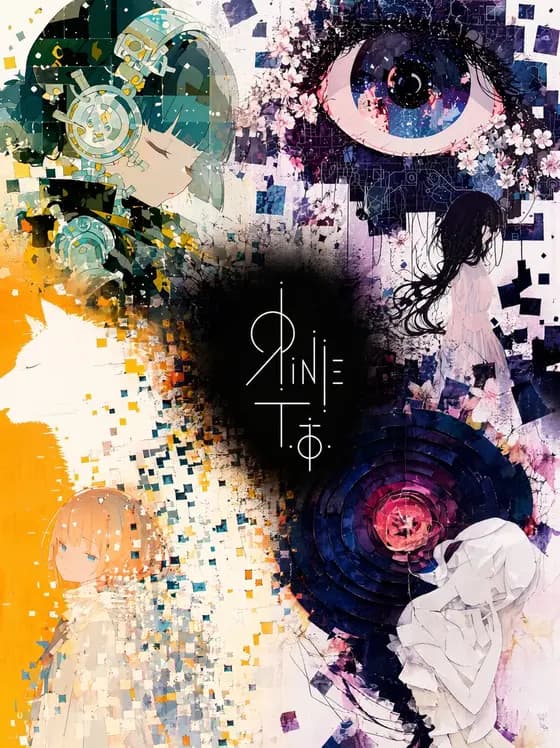
輪廻タヲ ☯ AI Artist 发布
海报 / 传单 · 应用 / 网页设计 · 插画 · 极简主义
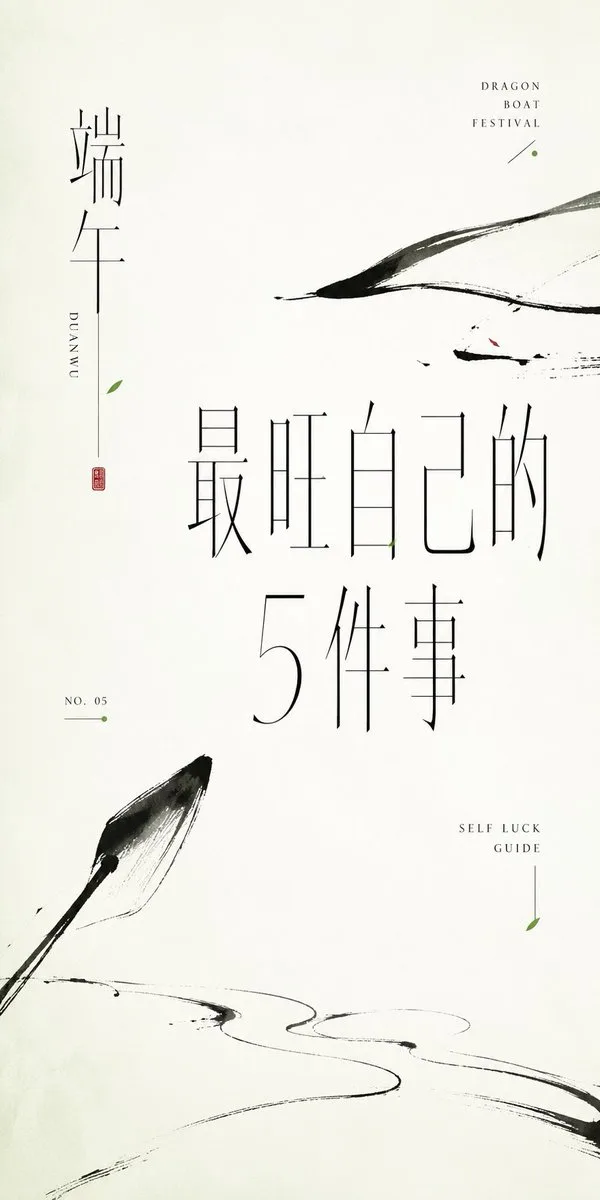
小小东 发布
海报 / 传单 · 社交媒体帖子 · 水墨 / 中国风 · 极简主义

ケンイチ | AIスキルアカデミー『誰でもわかるAI活用術』 发布
信息图 / 教育视觉 · 应用 / 网页设计 · 极简主义 · 插画